
What Is Webflow? Complete Guide & Alternatives (2026)
What Is Webflow? Complete Guide & Alternatives (2026)
Webflow has become one of the most talked-about website building platforms in recent years. With over 3.5 million users and a valuation north of $4 billion, it occupies a unique space between visual design tools and professional web development. But what exactly is Webflow, who is it for, and is it still the best choice in 2026?
This guide breaks down everything you need to know about Webflow - from its core features and pricing to its real limitations - and explores the best alternatives for different use cases.
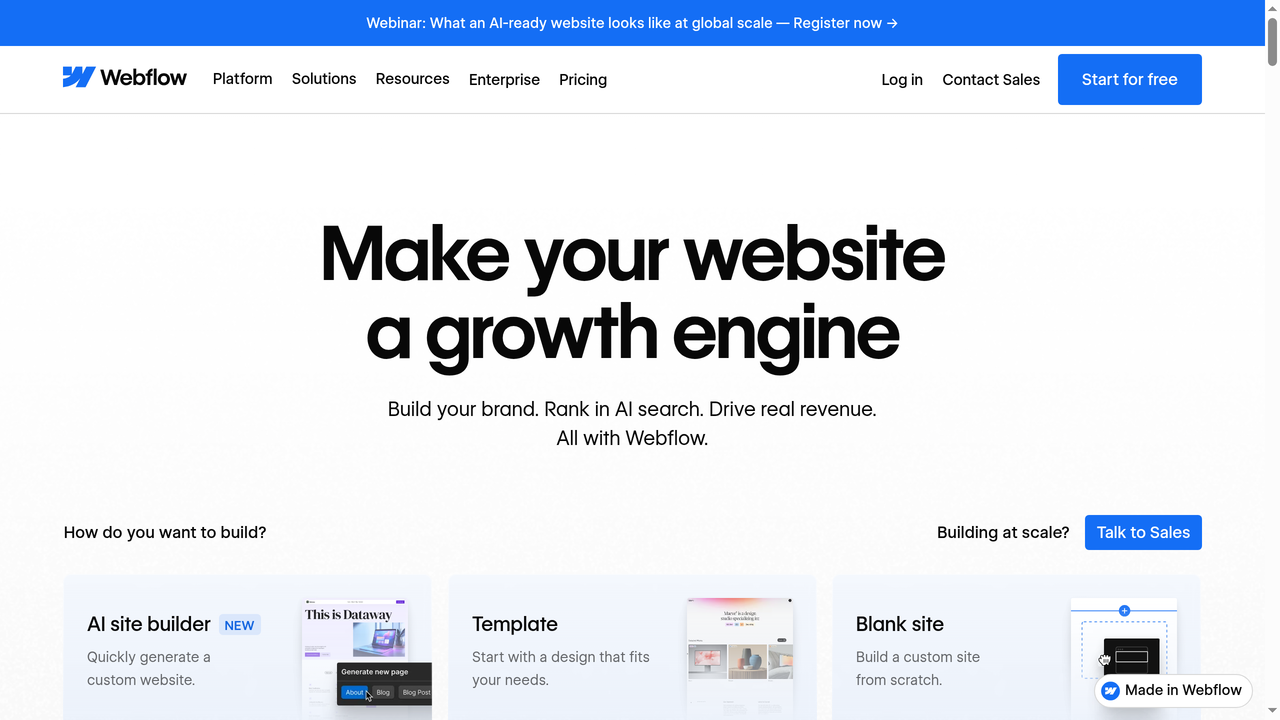
What Is Webflow?
Webflow is a visual web development platform that lets you design, build, and launch responsive websites without writing code manually. Think of it as a professional-grade website builder that generates clean, production-ready HTML, CSS, and JavaScript behind the scenes while you work in a visual canvas.
Founded in 2013 by Vlad Magdalin, Sergie Magdalin, and Bryant Chou, Webflow was born from a simple frustration: the gap between what designers envision and what actually gets built. Traditional workflows required designers to create mockups in Photoshop or Sketch, then hand them off to developers who would rebuild everything in code. Webflow eliminated that handoff entirely.
Unlike simpler website builders like Wix or Squarespace that rely on rigid templates, Webflow gives you direct control over the CSS box model, flexbox, grid layouts, animations, and interactions. You are essentially writing code visually. The learning curve is steeper, but the output is significantly more professional.
How Webflow Works: The Core Components
The Designer
Webflow's Designer is where the magic happens. It is a browser-based visual editor that maps directly to HTML and CSS properties. Every element you add - whether a div block, a section, or a navigation bar - corresponds to real HTML elements. Every style you apply maps to actual CSS properties.
The Designer panel shows you properties like display type (block, flex, grid, inline-block), positioning (static, relative, absolute, fixed), spacing (margin and padding), typography, backgrounds, borders, and more. If you know CSS, you will feel right at home. If you do not, you will learn CSS concepts naturally just by using the tool.
Key Designer features include:
- Flexbox and Grid support - Build complex layouts that would require advanced CSS knowledge
- Responsive breakpoints - Design for desktop, tablet, mobile landscape, and mobile portrait
- Interactions and animations - Create scroll-triggered animations, hover effects, and page transitions without JavaScript
- Symbols (Components) - Reusable elements that update everywhere when you change one instance
- Style Manager - See all your CSS classes, clean up unused styles, and maintain consistency
The CMS
Webflow includes a built-in content management system that goes well beyond basic blogging. You can create custom content structures called Collections - think of them as database tables. A Collection for blog posts might have fields for title, author, featured image, category, and body content. A Collection for team members might have fields for name, role, photo, and bio.
The CMS supports various field types: plain text, rich text, images, videos, links, dates, numbers, switches (boolean), colors, references to other Collections, and multi-references. This flexibility lets you model complex content relationships without any backend development.
Collection pages act as dynamic templates. Design one template, and Webflow generates a unique page for every item in that Collection. This is how you build blogs, portfolios, product catalogs, resource libraries, and directory sites efficiently.
Ecommerce
Webflow Ecommerce launched in 2018 and provides tools to build online stores with the same visual design freedom as the rest of the platform. You get full control over product pages, cart, checkout flow, and transactional emails.
It supports physical and digital products, variants (size, color), inventory management, tax calculation, shipping rules, and integrations with payment processors like Stripe and PayPal. However, compared to dedicated ecommerce platforms like Shopify, Webflow's ecommerce features are more limited - there is no built-in point-of-sale, no app marketplace with thousands of plugins, and fewer payment gateway options.
Hosting
Webflow offers its own hosting infrastructure powered by Amazon Web Services (AWS) and Fastly CDN. Sites load fast globally, and SSL certificates are included automatically. You can connect custom domains, and Webflow handles DNS configuration with clear instructions.
One important detail: Webflow hosting is required if you want to use the CMS or Ecommerce features. You can export static site code and host it elsewhere, but you lose dynamic functionality.
Webflow Pricing in 2026
Webflow uses a dual pricing model - one for the design tool (Workspace plans) and one for hosting (Site plans). This can get confusing, so let's break it down.
Site Plans (per site, per month)
- Starter - Free. 1 page, 50 CMS items, webflow.io subdomain. Good for learning.
- Basic - $14/month. Custom domain, 150 pages, no CMS. For simple static sites.
- CMS - $23/month. 150 pages, 2,000 CMS items. For blogs and content sites.
- Business - $39/month. 150 pages, 10,000 CMS items, form submissions increase. For larger content sites.
- Ecommerce - Starting at $29/month up to $212/month depending on transaction volume and features.
Workspace Plans (team collaboration)
- Starter - Free. 1 unhosted site, limited features.
- Core - $19/seat/month. Unlimited unhosted sites, code export, team collaboration.
- Growth - $49/seat/month. Advanced permissions, shared libraries, more bandwidth.
- Enterprise - Custom pricing. SLA, priority support, advanced security.
The math adds up quickly. A freelancer with 5 client sites on CMS plans plus a Core workspace pays around $134/month. An agency with 20 sites and a small team can easily spend $500+ monthly. This is one of the most common complaints about Webflow - the cost scales aggressively.
What Webflow Does Well
Design Freedom Without Code
No other visual builder gives you this level of CSS control. You can build virtually any layout that is possible with modern CSS, including complex grid systems, overlapping elements, custom scrolling behaviors, and sophisticated animations. The gap between "designed in Figma" and "built in Webflow" is essentially zero.
Clean Code Output
Unlike many website builders that generate bloated, unreadable markup, Webflow produces semantic HTML with organized CSS classes. You can export this code and hand it to a developer who will understand it. This matters for performance, SEO, and long-term maintainability.
SEO Capabilities
Webflow provides solid SEO tools out of the box: custom meta titles and descriptions for every page, automatic sitemap generation, 301 redirects, canonical URLs, Open Graph settings, and schema markup through custom code. The clean code and fast hosting also contribute to good Core Web Vitals scores.
Education and Community
Webflow University is genuinely excellent - hundreds of free video tutorials covering everything from basic concepts to advanced techniques. The community is active and helpful, with forums, YouTube channels, and a thriving ecosystem of templates, cloneable projects, and third-party tools.
Where Webflow Falls Short
Steep Learning Curve
Webflow is not a drag-and-drop builder for beginners. You need to understand CSS concepts like the box model, positioning, and responsive design. Most people need 2-4 weeks of dedicated learning before they can build confidently. If you just need a simple website up this afternoon, Webflow is probably not the right tool.
No Backend Logic
Webflow builds front-end websites. It does not handle user authentication, databases, server-side logic, APIs, or any kind of application functionality. You cannot build a SaaS product, a marketplace, a booking system, or a social network in Webflow alone. You will need third-party integrations (Memberstack, Jetboost, Zapier) or a separate backend, which adds complexity and cost.
Pricing Scales Steeply
As mentioned, managing multiple sites gets expensive. The per-site hosting model means every client project is an ongoing monthly cost. For agencies managing dozens of sites, the numbers become significant compared to alternatives like self-hosted WordPress.
CMS Limitations
The CMS is powerful for content websites but has hard limits: 10,000 items maximum on the Business plan, no relational queries, limited filtering options in the visual editor, and no built-in multi-language support. For complex content architectures, you may hit walls.
Vendor Lock-in
While you can export static code, you cannot export the CMS structure, content, interactions, or any dynamic functionality. If you decide to leave Webflow, you are essentially rebuilding from scratch. This is a significant consideration for long-term projects.
Who Should Use Webflow?
Webflow is ideal for:
- Designers who want pixel-perfect control without depending on developers
- Agencies building marketing sites, landing pages, and content-driven websites for clients
- Startups that need a professional marketing site or blog but not a full web application
- Freelancers offering web design services who want to deliver higher-quality work faster
Webflow is NOT ideal for:
- Complete beginners who need something live in 30 minutes
- Anyone building web applications with user accounts, databases, or custom logic
- Large ecommerce operations that need advanced inventory, fulfillment, or marketplace features
- Teams on a tight budget managing many sites
7 Best Webflow Alternatives in 2026
Depending on what you are building and your technical comfort level, these alternatives might serve you better than Webflow.
1. Capacity.so - Best for Building Full-Stack Web Applications
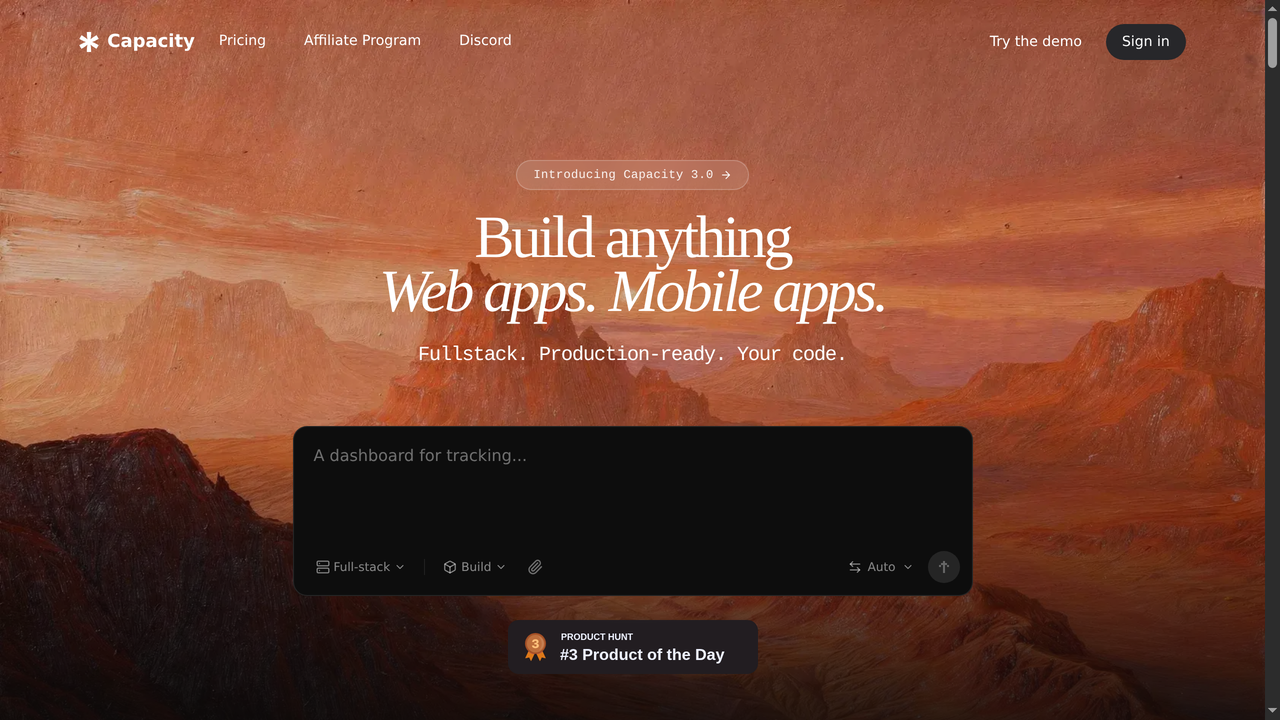
If your goal goes beyond static websites into actual web applications, Capacity.so is in a completely different league. While Webflow builds marketing sites and content pages, Capacity lets you build full-stack applications - complete with databases, user authentication, APIs, payment processing, and complex business logic - just by describing what you want in plain language.
Capacity uses AI to translate your descriptions into production-ready code. You describe a feature like "add a dashboard where users can see their subscription status and usage metrics," and Capacity builds it. Not a mockup. Not a prototype. A working feature with real backend logic, database queries, and a polished interface.
This is fundamentally different from Webflow's approach. Webflow gives you visual control over the front end. Capacity gives you an AI development team that builds the entire stack. For startups building MVPs, SaaS products, internal tools, or any application with actual functionality, Capacity eliminates months of traditional development time.
Best for: Startups, founders, and teams building web applications (not just websites)
Pricing: Free tier available, paid plans from $30/month
Key difference: Full-stack applications vs. front-end websites only
2. Framer - Best for Design-Focused Marketing Sites
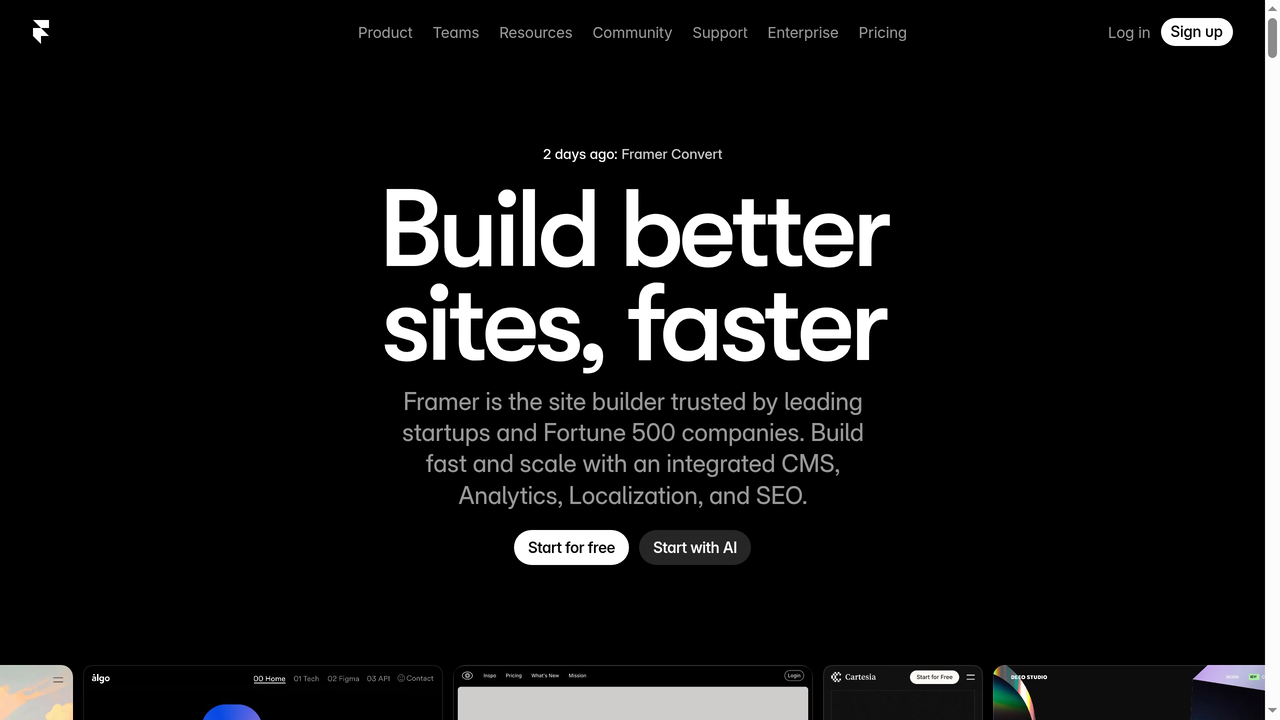
Framer has evolved from a prototyping tool into a serious Webflow competitor for marketing websites. Its visual editor feels more modern and intuitive than Webflow's, with a design experience closer to Figma. You can import Figma designs directly and turn them into live websites with minimal rework.
Framer's strengths include beautiful built-in animations, excellent performance optimization, and a growing template marketplace. It also offers built-in localization for multi-language sites, something Webflow still lacks natively.
The trade-off: Framer gives you less granular CSS control than Webflow, and its CMS is more basic. For complex content architectures or ecommerce, Webflow still has the edge. But for landing pages, marketing sites, and portfolios where design impact matters most, Framer often delivers better results faster.
Best for: Designers building marketing sites and landing pages
Pricing: Free tier, Pro from $15/month per site
Key difference: More intuitive design experience, built-in localization
3. WordPress - Best for Content-Heavy Sites and Maximum Flexibility
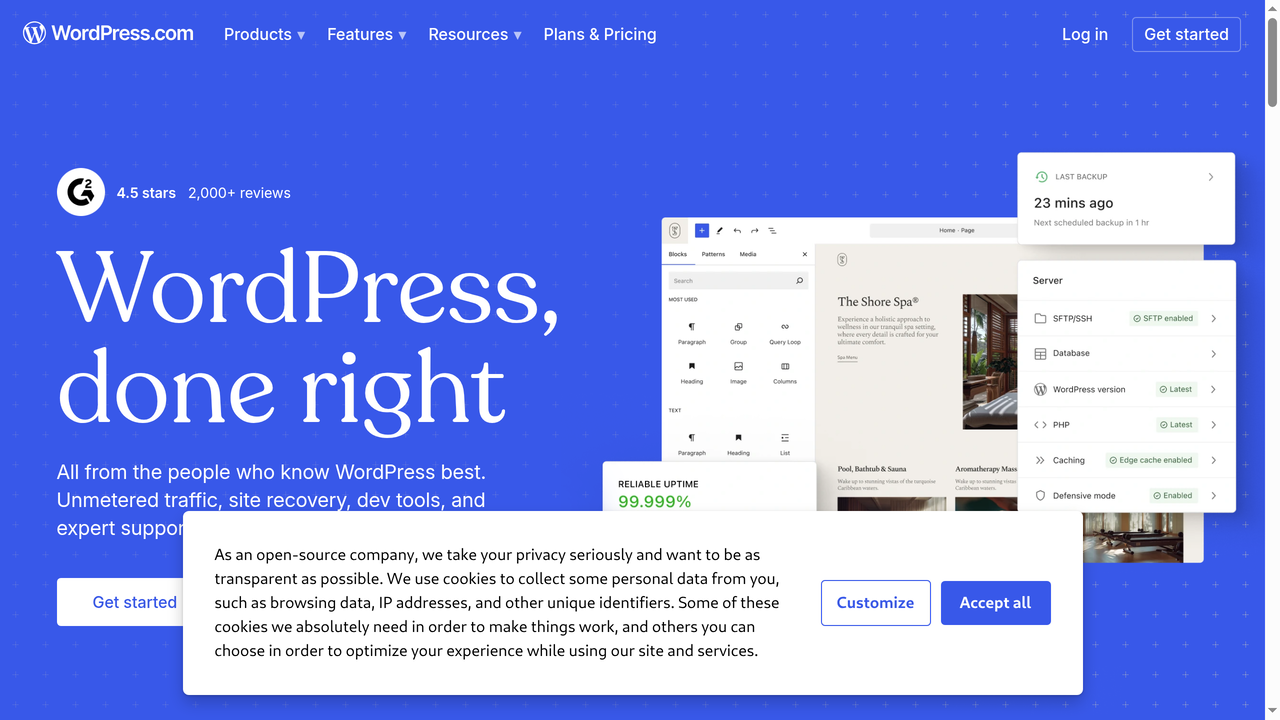
WordPress powers over 40% of all websites for good reason. Its open-source nature means unlimited flexibility - thousands of themes, over 60,000 plugins, and the ability to customize anything at the code level. For content-heavy sites like news publications, large blogs, membership sites, and complex directories, WordPress remains unmatched in ecosystem depth.
The downsides are well-known: WordPress requires more technical maintenance (updates, security, backups, hosting management), the visual editing experience is less polished than Webflow (even with page builders like Elementor or Gutenberg blocks), and quality varies wildly across themes and plugins.
Self-hosted WordPress is dramatically cheaper than Webflow at scale. A single $10/month hosting plan can run multiple sites with unlimited content. For agencies managing 20+ sites, this cost difference is substantial.
Best for: Content publishers, blogs, membership sites, maximum customization
Pricing: Free (self-hosted) + hosting from $5-30/month
Key difference: Open-source, massive plugin ecosystem, much cheaper at scale
4. Squarespace - Best for Non-Technical Users Who Need a Beautiful Site Fast
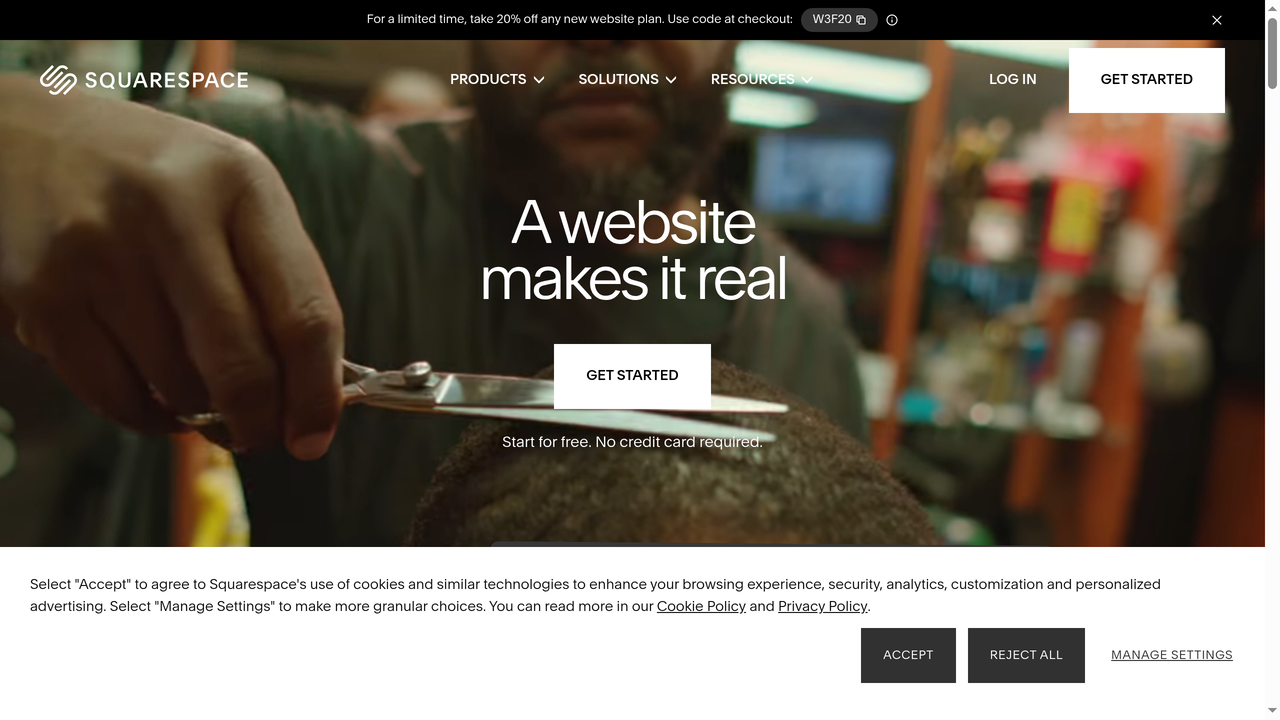
If Webflow is too complex and you just need a polished, professional website running quickly, Squarespace is the answer. Its templates are consistently beautiful, and the editing experience is straightforward enough for anyone to use without training.
Squarespace handles hosting, security, domains, email, and even basic ecommerce in one tidy package. The trade-off is obvious: you sacrifice design flexibility for simplicity. You cannot create custom layouts beyond what the templates allow, and you have minimal control over code output or page structure.
For small businesses, restaurants, photographers, artists, and anyone who values polish over customization, Squarespace delivers excellent value. It also includes built-in scheduling, email marketing, and member areas that would require plugins or third-party tools in Webflow.
Best for: Small businesses, creatives, and anyone who wants beauty without complexity
Pricing: From $16/month (Personal) to $49/month (Commerce Advanced)
Key difference: Much easier to use, all-in-one package, less design freedom
5. Wix - Best Free Option with AI-Powered Setup
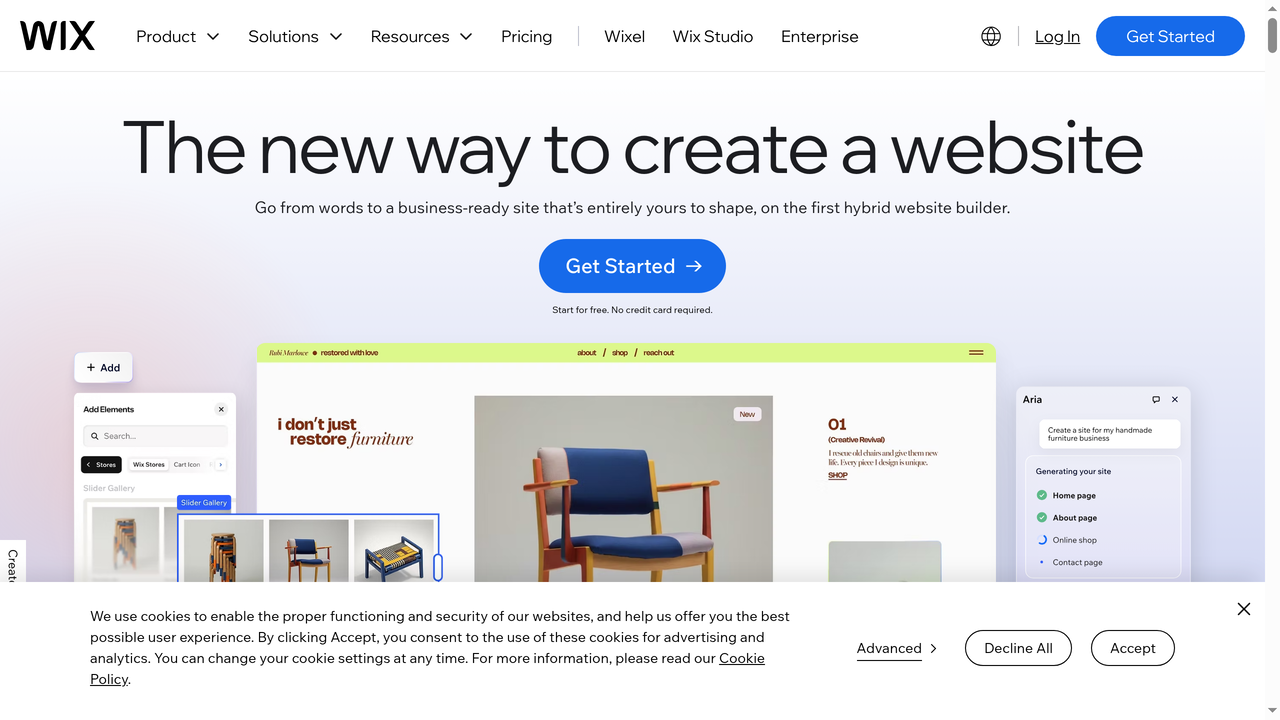
Wix has reinvented itself in recent years with Wix Studio (its professional-grade editor) and Wix ADI (AI-powered site generation). The platform now offers a surprisingly capable free tier and an AI assistant that can generate a basic site from a text description.
For pure drag-and-drop simplicity, Wix is hard to beat. It offers a genuine WYSIWYG editor where elements go exactly where you place them (Webflow uses CSS-based positioning, which behaves differently). Wix also has a large app marketplace, built-in email marketing, booking systems, and robust ecommerce.
The downsides: Wix generates heavier code than Webflow, which can impact performance and SEO. The free tier includes Wix branding. And while Wix Studio is more powerful, it still does not match Webflow's CSS-level control for advanced designers.
Best for: Beginners, small businesses on a budget, quick launches
Pricing: Free tier available, premium from $17/month
Key difference: True drag-and-drop, AI site generation, generous free tier
6. Shopify - Best for Ecommerce

If your primary goal is selling products online, Shopify is the dedicated platform for the job. While Webflow offers ecommerce as an add-on to its web design tools, Shopify was built from the ground up for online stores. Everything - from inventory management and shipping calculations to point-of-sale hardware and the massive app ecosystem - is optimized for selling.
Shopify processes over $200 billion in annual gross merchandise volume. Its checkout is optimized through millions of transactions, its app store has over 8,000 apps for every conceivable ecommerce need, and it scales from single-product stores to enterprise operations through Shopify Plus.
You will sacrifice design flexibility compared to Webflow. Shopify themes are customizable but not at the CSS-property level. However, for any serious ecommerce operation, the trade-off is worthwhile. Shopify's ecommerce features are years ahead of Webflow's.
Best for: Online stores of any size, product-based businesses
Pricing: From $29/month (Basic) to $299/month (Advanced), plus Shopify Plus for enterprise
Key difference: Purpose-built for ecommerce, massive app ecosystem, POS integration
7. Bubble - Best for No-Code Web Applications
Bubble fills a gap between Webflow (front-end only) and full-code development. It is a visual platform for building web applications with databases, user authentication, workflows, and business logic - all without writing code. If you need app functionality but do not want to learn programming, Bubble makes it possible.
You can build marketplaces, SaaS products, CRM systems, and booking platforms in Bubble. The visual workflow editor lets you define logic like "when a user submits this form, create a database entry, send an email notification, and redirect to the dashboard." This is functionality Webflow simply cannot provide.
The downsides: Bubble sites tend to be slower than Webflow sites, the design flexibility is less refined, and complex applications can become difficult to maintain. For truly scalable applications with custom backends, AI-powered builders like Capacity.so produce cleaner, more performant code.
Best for: Non-technical founders building MVPs and simple web applications
Pricing: Free tier, paid from $29/month
Key difference: Backend logic and databases, no code required
Webflow vs. Alternatives: Quick Comparison
| Platform | Best For | Design Control | Backend/Apps | Starting Price | Learning Curve |
|---|---|---|---|---|---|
| Webflow | Professional websites | Excellent | None | Free / $14/mo | Steep |
| Capacity.so | Full-stack web apps | AI-generated | Full stack | Free / $30/mo | Low |
| Framer | Marketing sites | Very good | None | Free / $15/mo | Moderate |
| WordPress | Content sites | Theme-dependent | Via plugins | Free + hosting | Moderate |
| Squarespace | Simple beautiful sites | Limited | Basic built-in | $16/mo | Easy |
| Wix | Beginners | Good (drag-drop) | Via apps | Free / $17/mo | Easy |
| Shopify | Ecommerce | Limited | Ecommerce-focused | $29/mo | Easy |
| Bubble | No-code apps | Moderate | Visual backend | Free / $29/mo | Steep |
How to Decide: A Simple Framework
Choosing the right tool depends on three questions:
1. What are you building?
- A marketing website or portfolio → Webflow or Framer
- A content-heavy site (blog, news, directory) → WordPress
- An online store → Shopify
- A web application (SaaS, marketplace, tool) → Capacity.so
- A simple site, fast → Squarespace or Wix
2. What is your technical comfort level?
- You understand CSS and web design → Webflow
- You know Figma but not code → Framer
- You have no technical background → Squarespace or Wix
- You can describe what you want clearly → Capacity.so (AI handles the rest)
3. What is your budget?
- Free or very limited → Wix free tier or WordPress on cheap hosting
- $15-50/month per site → Webflow, Framer, Squarespace, Shopify
- Scale matters (many sites) → WordPress self-hosted
Frequently Asked Questions
Is Webflow free to use?
Webflow offers a free Starter plan that lets you build and preview sites with limited functionality (1 page, 50 CMS items, Webflow subdomain). To publish a site with a custom domain or access CMS features, you need a paid Site plan starting at $14/month.
Is Webflow good for SEO?
Yes. Webflow generates clean, semantic HTML, provides full control over meta tags and URLs, automatically generates sitemaps, supports 301 redirects, and loads fast on its CDN-backed hosting. It consistently ranks among the better platforms for technical SEO.
Can I build a web app with Webflow?
Not natively. Webflow is a front-end website builder. It does not include databases, user authentication, server-side logic, or API capabilities. For web applications, you would need to integrate third-party services or use a platform built for app development like Capacity.so or Bubble.
Is Webflow better than WordPress?
It depends on your priorities. Webflow offers a better visual design experience with cleaner code output. WordPress offers more flexibility, a larger ecosystem, and significantly lower costs at scale. For design-focused marketing sites, Webflow wins. For content-heavy sites or budget-conscious projects, WordPress is often the better choice.
Can Webflow replace Shopify?
For small stores with simple needs, possibly. For serious ecommerce operations, no. Shopify's ecommerce features - inventory management, fulfillment, POS, app ecosystem, checkout optimization - are far more mature than Webflow's ecommerce offering.
How long does it take to learn Webflow?
Most users report needing 2-4 weeks of consistent practice to feel comfortable building sites independently. If you already understand CSS and responsive design concepts, the learning curve is shorter. Webflow University provides excellent free training resources.
Can I export my Webflow site?
You can export static HTML, CSS, and JavaScript from Webflow (requires a paid Workspace plan). However, CMS content, interactions, and dynamic features do not export. This means moving away from Webflow typically requires rebuilding dynamic functionality on a new platform.
Final Verdict
Webflow remains the gold standard for visual web development in 2026. If you are building professional marketing websites, landing pages, or content-driven sites and you want pixel-perfect design control without writing code, it is hard to beat.
But the web-building landscape has evolved. For application development, AI-powered platforms like Capacity.so can build in hours what used to take months. For simpler sites, tools like Framer and Squarespace offer faster paths to launch. And for ecommerce, Shopify's dedicated platform is still the smarter choice.
The best tool is the one that matches what you are actually building. Define your project's requirements first, then choose the platform that aligns with those needs - not the one with the most features you will never use.