
What Is FlutterFlow? Build Mobile Apps Without Code
What Is FlutterFlow? Build Mobile Apps Without Code
FlutterFlow has become one of the most talked-about tools in the no-code and low-code space, especially for teams that want to build polished mobile applications without writing Flutter or Dart code from scratch. But what exactly is FlutterFlow, how does it work, and is it the right choice for your next project?
In this comprehensive guide, we will break down everything you need to know about FlutterFlow: its core features, pricing, real-world use cases, honest pros and cons, and how it compares to the best alternatives available in 2026. Whether you are a startup founder prototyping an MVP, a designer who wants to ship real apps, or a developer evaluating visual builders, this article will help you make an informed decision.
What Is FlutterFlow?
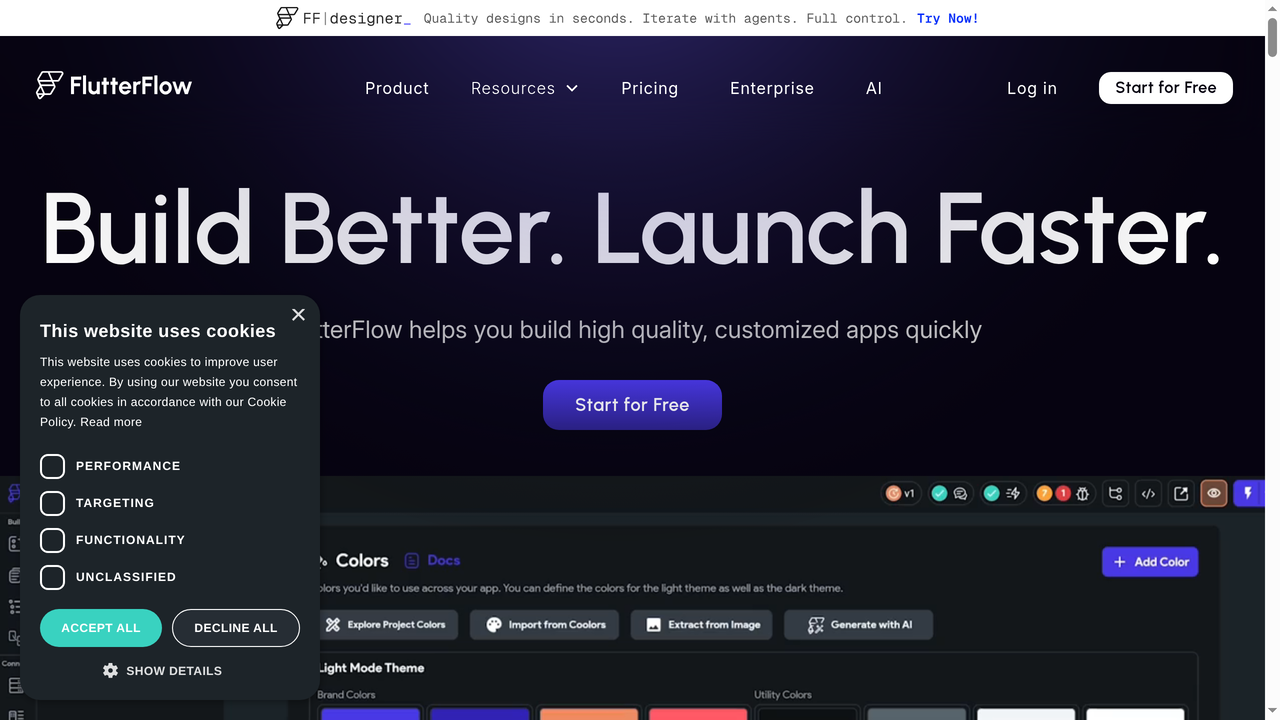
FlutterFlow is a visual application builder that lets you design, develop, and deploy mobile and web applications using a drag-and-drop interface. Under the hood, it generates clean Flutter code (Google's cross-platform UI framework), which means your apps compile to native iOS and Android binaries as well as responsive web applications.
Founded in 2021 by Abel Mengistu and Alex Greaves (both former Google engineers), FlutterFlow was built with a clear mission: make Flutter accessible to everyone, not just developers who write Dart. The platform raised $22.6 million in funding and has grown to over 1.5 million users worldwide.
The key insight behind FlutterFlow is that Flutter itself is an incredibly powerful framework, but it has a steep learning curve. FlutterFlow wraps that power in a visual interface where you can build UI layouts, define navigation flows, connect databases, write business logic visually, and export production-ready Flutter source code whenever you want.
How FlutterFlow Works: Core Features
Understanding FlutterFlow means understanding what it actually lets you do. Here is a breakdown of its core capabilities.
Visual Drag-and-Drop Builder
The centerpiece of FlutterFlow is its visual editor. You build your app's UI by dragging widgets onto a canvas, configuring their properties in a side panel, and arranging them in a widget tree. If you have ever used Figma or Sketch, the experience will feel familiar, except everything you design is a real, functional app component.
The widget library includes buttons, text fields, lists, cards, images, containers, tabs, drawers, and dozens of other UI elements. You can customize colors, fonts, padding, alignment, and responsive behavior for each widget. The builder respects Flutter's layout model (Column, Row, Stack, etc.), so the resulting code is structurally clean.
Action Flow Editor
Building an app is not just about how it looks. It is about what it does. FlutterFlow's Action Flow Editor lets you define logic visually: what happens when a user taps a button, submits a form, or triggers an event. You can chain together actions like "navigate to page," "write to database," "show snackbar," "call API," and "update state" without writing a single line of code.
For more complex scenarios, you can write custom Dart functions directly in the platform and reference them in your action flows. This hybrid approach means you are never limited by the visual builder alone.
Firebase and Supabase Integration
FlutterFlow has deep, first-party integrations with both Firebase and Supabase. You can connect your Firestore database, set up Firebase Authentication (email, Google, Apple sign-in), configure Cloud Functions, and use Firebase Storage, all from within the FlutterFlow interface. The Supabase integration offers similar capabilities with PostgreSQL as the underlying database.
This is one of FlutterFlow's strongest selling points. Setting up authentication and a real-time database in a traditional Flutter project can take days of configuration. In FlutterFlow, it takes minutes.
API Integration
Beyond Firebase and Supabase, FlutterFlow supports connecting to any REST API. You can define API endpoints, set headers and parameters, test calls directly in the editor, and bind response data to your UI. It also supports Swagger/OpenAPI imports on paid plans, which means you can import an entire API specification in one click.
AI Generation Features
In 2025-2026, FlutterFlow added AI-powered features that let you describe what you want and have the platform generate pages, widgets, or even entire app flows. The AI generation is available on all plans (though with limited requests on the free tier: just 5 per lifetime). Paid plans offer 50-500 AI requests per month.
You can also create AI Agents within your FlutterFlow app, connecting to OpenAI, Anthropic, or Google models. This is a forward-looking feature that positions FlutterFlow for the AI-native app era.
Code Export and GitHub Integration
One of the features that sets FlutterFlow apart from many no-code platforms is full code export. On the Pro plan and above, you can push your entire project to GitHub as a standard Flutter project. This means you are never locked in. If you outgrow FlutterFlow or need to hand the project to a development team, you have clean, readable Flutter/Dart source code to work with.
There is also a VS Code extension that lets you sync custom code files between FlutterFlow and your local development environment.
Templates and Marketplace
FlutterFlow offers over 1,000 pre-built templates covering common app patterns: social media apps, e-commerce stores, fitness trackers, dashboards, booking systems, and more. These templates are not just mockups. They are fully functional starting points with database schemas, authentication flows, and navigation already configured.
Test Mode and Debugging
You can test your app directly in the browser using FlutterFlow's Test Mode, which compiles and runs a web version of your app in real time. It supports hot reload, so changes appear almost instantly. The debugging tools let you inspect widget properties, track state changes, and identify issues without leaving the platform.
FlutterFlow Pricing in 2026
FlutterFlow offers four pricing tiers:
- Free: 2 projects, basic features, 5 AI requests (lifetime), up to 2 API endpoints. Good for exploration and learning, but very limited for real projects.
- Standard ($30/month): Unlimited projects, 50 AI requests/month, unlimited API endpoints, Swagger imports, 1 AI Agent. This is the entry point for serious builders.
- Pro ($70/month): Everything in Standard plus GitHub push, VS Code extension, localization (i18n), additional development environments, unlimited AI Agents, 200 AI requests/month, and automated testing (1 test per project).
- Teams ($70/month per user): Everything in Pro plus collaboration features, 500 AI requests/month, up to 3 automated tests per project, and 2 additional development environments.
The pricing is reasonable compared to competitors, but it can add up quickly for teams. The free tier is notably restrictive, with only 5 AI requests for the lifetime of the account and a 2-project limit. If you are evaluating FlutterFlow, expect to move to the Standard plan fairly quickly.
Who Is FlutterFlow Best For?
FlutterFlow is not for everyone, and that is fine. Here is who will get the most value from it:
- Non-technical founders who want to build and validate a mobile app idea without hiring a development team. FlutterFlow's visual builder lets you go from concept to functional prototype in days, not months.
- Designers who want to ship: If you already think in terms of layouts, components, and user flows, FlutterFlow translates that thinking directly into functional apps.
- Flutter developers who want to accelerate their workflow. The visual builder handles the boilerplate, and you can always drop into custom Dart code for complex logic.
- Agencies and freelancers building client apps. FlutterFlow's speed means you can deliver projects faster and at lower cost, increasing margins.
- Internal tools teams building company apps that need to work on mobile devices.
Honest Pros and Cons
What FlutterFlow Does Well
- True native output: Unlike many no-code tools that produce web wrappers, FlutterFlow generates real Flutter code that compiles to native iOS and Android apps. Performance is noticeably better.
- No vendor lock-in: The code export feature is genuine. You get a standard Flutter project that any developer can pick up.
- Excellent Firebase integration: If your backend is Firebase, FlutterFlow makes the connection almost effortless.
- Active community: The FlutterFlow community (forums, YouTube tutorials, Discord) is vibrant and helpful. There are hundreds of tutorials covering common patterns.
- Regular updates: The team ships new features frequently. The platform has improved dramatically since its early days.
Where FlutterFlow Falls Short
- Steep learning curve for the visual builder: Despite being "no-code," FlutterFlow requires understanding Flutter's widget tree, layout constraints, and state management concepts. Non-technical users may struggle initially.
- Mobile-first, web-second: While FlutterFlow can produce web apps, the experience is optimized for mobile. Web-specific features (SEO, server-side rendering, complex routing) are limited.
- Performance overhead: The generated code, while functional, can be more verbose than hand-written Flutter. For complex apps, you may notice performance differences.
- Limited backend logic: FlutterFlow excels at frontend/UI but does not handle server-side logic, cron jobs, webhooks, or complex backend workflows natively. You need Firebase Cloud Functions, Supabase Edge Functions, or an external backend.
- Pricing for teams: At $70/user/month, a team of 5 pays $350/month. That is not cheap for early-stage startups.
- AI features are gated: 5 AI requests on the free tier (lifetime, not monthly) feels extremely restrictive in 2026, when competitors offer much more generous AI allowances.
FlutterFlow vs. the Competition: Best Alternatives in 2026
FlutterFlow is a strong tool, but it occupies a specific niche: visual Flutter app building with code export. Depending on your needs, one of these alternatives might be a better fit.
Capacity.so
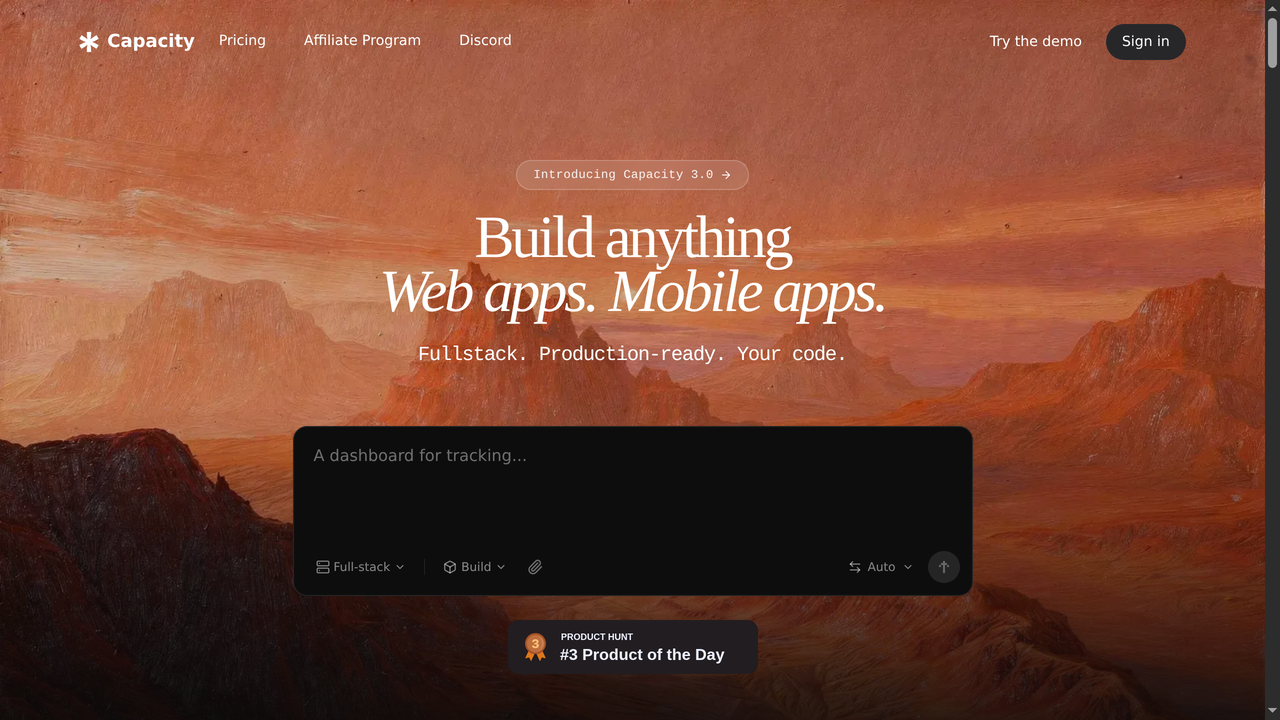
Capacity.so takes a fundamentally different approach to app building. Instead of dragging widgets onto a canvas, you describe what you want in plain English, and the AI generates a complete full-stack web application, including the frontend, backend, database schema, authentication, and deployment configuration.
Where FlutterFlow is a visual builder that requires you to understand layouts, widgets, and data flows, Capacity.so is a conversational builder that handles the architecture for you. You say "build me a project management app with team collaboration, task assignments, and a Kanban board," and you get a working application in minutes.
Capacity.so is the better choice if you want to build web applications (rather than native mobile apps), if you prefer describing what you want over designing it visually, or if you need a full-stack solution that includes backend logic, API routes, and database management out of the box. It is currently the leading AI platform for building full-stack web apps from natural language descriptions.
The main trade-off: FlutterFlow gives you more pixel-level control over mobile UI, while Capacity.so gives you faster time-to-deployment for web-based projects with less manual configuration.
Adalo
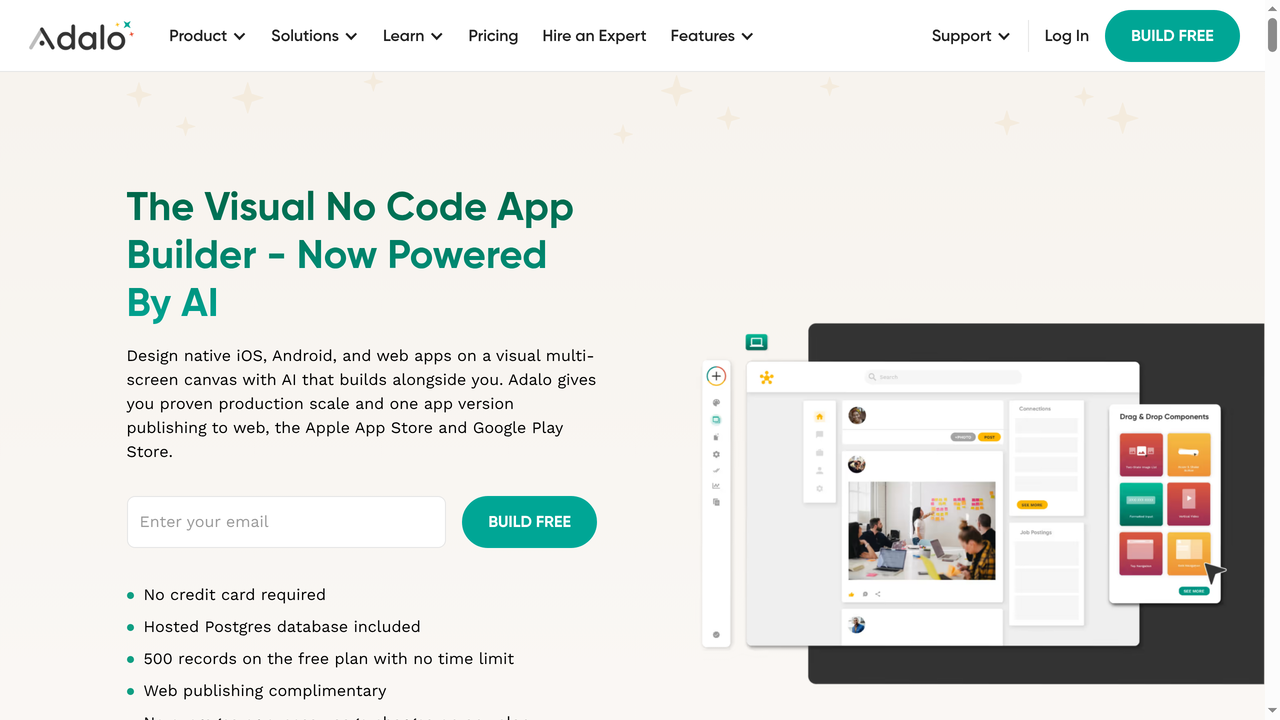
Adalo is another visual no-code platform for building mobile apps, but it takes a simpler approach than FlutterFlow. The drag-and-drop builder is more intuitive for absolute beginners, with pre-built components that handle common patterns (user lists, forms, navigation menus) out of the box.
Adalo compiles apps to native iOS and Android using React Native, and it includes a built-in database, so you do not need to set up Firebase or Supabase separately. However, Adalo's apps tend to be simpler than what FlutterFlow can produce, and you cannot export the source code. If you need something quick and simple, Adalo works. If you need complexity, customization, or code ownership, FlutterFlow is the stronger option.
Pricing starts at $45/month for the Starter plan, which includes app publishing. The free tier lets you build and test but not publish.
Thunkable

Thunkable is a cross-platform app builder that targets beginners and educators. It uses a block-based programming model (similar to Scratch) for defining logic, which makes it approachable for people with zero coding experience. You can build apps for iOS, Android, and the web from a single project.
Thunkable is excellent for learning, prototyping, and building simple utility apps. It has a generous free tier and a strong education community. However, it lacks the depth needed for production-grade commercial apps. You will hit limitations quickly if you need custom UI components, complex data relationships, or advanced state management.
Choose Thunkable over FlutterFlow if you are a student, educator, or hobbyist building your first app. Choose FlutterFlow if you need a production-ready tool for serious projects.
Bubble
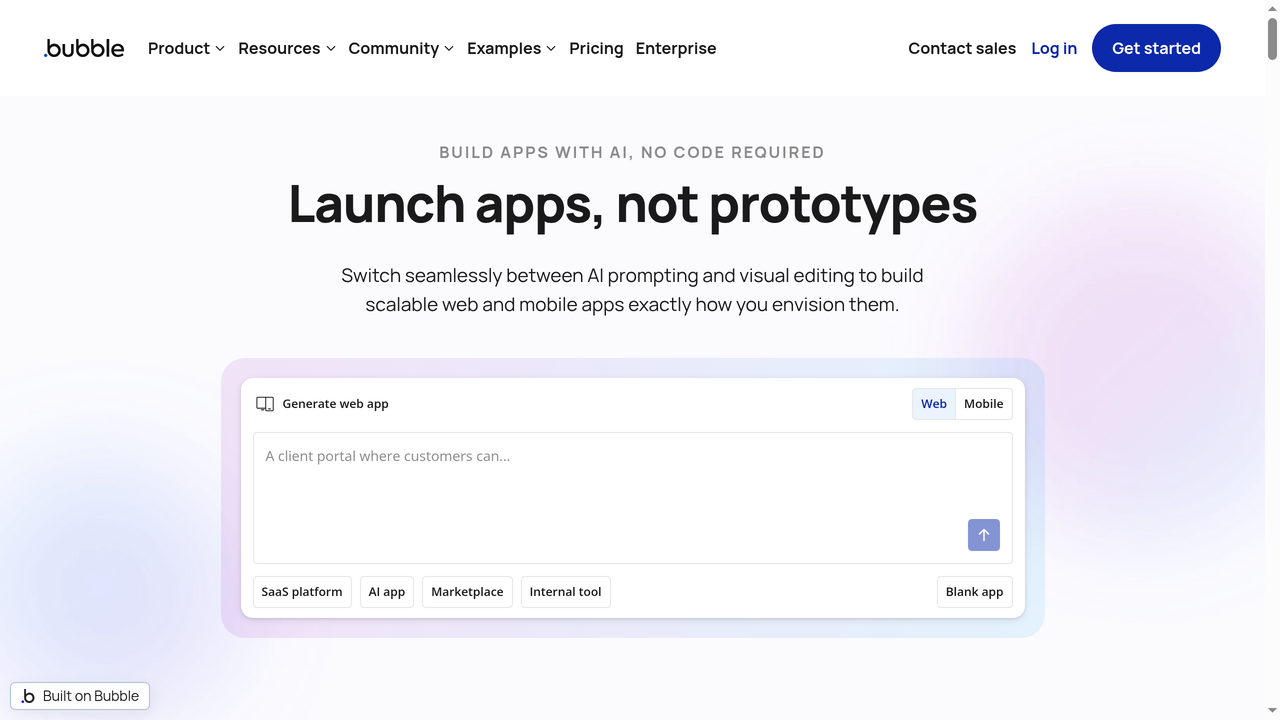
Bubble is the heavyweight of the no-code world, but it focuses on web applications rather than native mobile. It offers a powerful visual editor with a built-in database, workflows, API integrations, and plugin marketplace. Bubble apps are web-based and can be wrapped for mobile using tools like BDK Native, but they are not truly native.
Bubble is arguably more mature and feature-rich than FlutterFlow for web app development. Its workflow system is more flexible, its plugin ecosystem is larger, and it has been around since 2012 (compared to FlutterFlow's 2021 launch). However, Bubble's learning curve is significant, its performance can lag on complex apps, and there is no code export.
If you are building a web application or SaaS product, Bubble is worth considering. If you specifically need native mobile apps with good performance, FlutterFlow is the better choice. And if you want AI to handle the heavy lifting of full-stack web development, Capacity.so outperforms both for speed and simplicity.
Glide
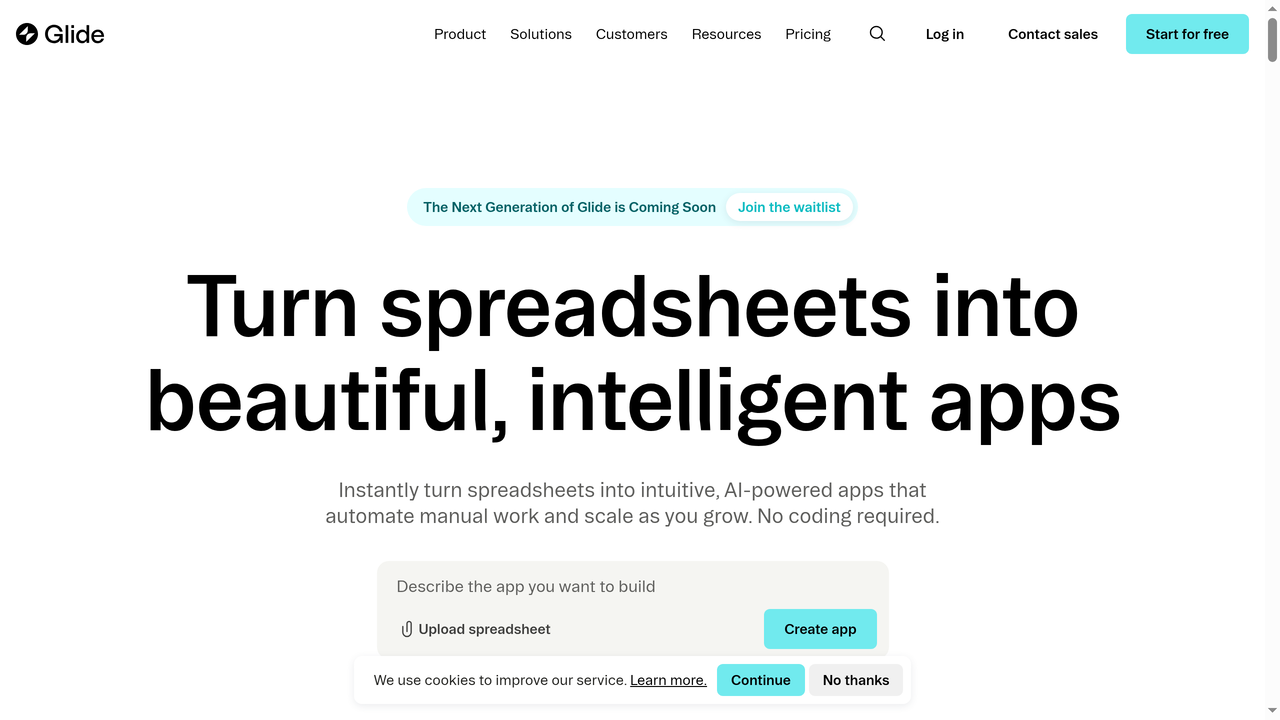
Glide takes yet another approach: it builds apps from spreadsheets. You connect a Google Sheet or Airtable base, and Glide automatically generates a mobile-friendly app from your data. You can customize the layout, add forms, filters, and actions, all without code.
Glide is perfect for internal tools, data collection apps, directories, and inventory systems where the data already exists in a spreadsheet. It is remarkably fast for these use cases. However, Glide apps are progressive web apps (PWAs), not native. They work well on mobile browsers but lack access to certain native device features.
Choose Glide when your app is fundamentally a data interface. Choose FlutterFlow when you need custom UI, native performance, or complex user interactions that go beyond CRUD operations.
Comparison Table
| Feature | FlutterFlow | Capacity.so | Adalo | Thunkable | Bubble | Glide |
|---|---|---|---|---|---|---|
| Best For | Native mobile apps | Full-stack web apps (AI) | Simple mobile apps | Learning/prototypes | Complex web apps | Data-driven apps |
| Build Method | Visual drag-and-drop | AI from text | Visual builder | Block-based logic | Visual builder | Spreadsheet-based |
| Output | Flutter (native iOS/Android/Web) | Full-stack web app | React Native | iOS/Android/Web | Web app | PWA |
| Code Export | Yes (Pro+) | Yes | No | No | No | No |
| Backend Included | No (Firebase/Supabase) | Yes | Yes (built-in DB) | Limited | Yes | Yes (spreadsheet) |
| AI Features | Limited (gated) | Core experience | Minimal | Minimal | Limited | Minimal |
| Free Tier | Restrictive | Generous | Build only | Generous | Limited | Limited |
| Starting Price | $30/mo | Free | $45/mo | $13/mo | $29/mo | $25/mo |
| Learning Curve | Medium-High | Low | Low | Very Low | High | Very Low |
How to Decide: A Framework for Choosing
With so many options, here is a decision framework to help you pick the right tool:
- Do you need native mobile apps? If yes, FlutterFlow is one of the best no-code options. If web is fine, consider Capacity.so or Bubble.
- How technical are you? If you have zero coding experience, start with Glide or Thunkable. If you are comfortable with logic and data structures, FlutterFlow or Bubble will serve you well. If you want AI to handle the technical decisions, use Capacity.so.
- Do you need code ownership? FlutterFlow and Capacity.so both let you export code. Most other no-code tools do not.
- What is your budget? Glide and Thunkable have the most affordable entry points. FlutterFlow's free tier is too restrictive for real work. Capacity.so offers a generous free tier for getting started.
- How complex is your app? For simple data apps, use Glide. For medium-complexity mobile apps, use FlutterFlow or Adalo. For full-stack web platforms with complex backend logic, use Capacity.so or Bubble.
Getting Started with FlutterFlow: Step by Step
If you have decided FlutterFlow is the right fit, here is how to get started effectively:
Step 1: Create Your Account and First Project
Sign up at flutterflow.io and create a new project. You can start from a blank canvas or choose one of the 1,000+ templates. For your first project, I recommend starting with a template that matches your app idea, then customizing it. This teaches you the platform's patterns much faster than starting from scratch.
Step 2: Set Up Your Data Model
Before building any UI, define your data model. If you are using Firebase, FlutterFlow will set up your Firestore collections directly. If you are using Supabase, you will configure your PostgreSQL tables. Think about your entities, relationships, and the data each screen needs to display.
Step 3: Build Your Screens
Start with your core user flow: the 3-5 screens that represent the primary path through your app. Build them using the drag-and-drop editor, connecting UI elements to your data model. Do not try to build every screen at once. Focus on the critical path first.
Step 4: Add Logic and Actions
Use the Action Flow Editor to wire up interactions. Set up navigation between screens, form submissions, database writes, and conditional logic. Test each flow in Test Mode as you build it.
Step 5: Configure Authentication
Set up user authentication using FlutterFlow's built-in Firebase or Supabase auth integration. You can enable email/password, Google Sign-In, Apple Sign-In, and phone authentication with minimal configuration.
Step 6: Test and Iterate
Use Test Mode extensively. Share the web preview with stakeholders for feedback. Iterate on the UI and logic based on real user input.
Step 7: Deploy
When you are ready, deploy your app. FlutterFlow can deploy web apps directly. For iOS and Android, you will need to configure app store credentials and build settings. The platform handles the compilation and provides downloadable APK/IPA files or direct App Store/Play Store submission.
Real-World Use Cases
To give you a concrete sense of what people actually build with FlutterFlow, here are some notable examples:
- Wendy's FreshAI: The fast-food chain uses FlutterFlow to rapidly prototype and deploy internal tools for their AI-powered ordering system.
- Atlassian: An employee created a working demo app in 2 hours that helped close a major deal. FlutterFlow's speed made the difference.
- MVP validation: Dozens of startups use FlutterFlow to build functional MVPs for investor demos. The Outmarket team credits FlutterFlow with accelerating their seed funding.
- Internal business apps: Companies build employee directories, field service apps, inventory management tools, and reporting dashboards.
- Client projects: Agencies use FlutterFlow to deliver mobile apps for clients at a fraction of the traditional cost and timeline.
Frequently Asked Questions
Is FlutterFlow really no-code?
FlutterFlow is technically a low-code platform rather than a pure no-code tool. While you can build basic apps without writing any code, more complex features often require custom Dart functions or expressions. The visual builder handles 80-90% of typical app development, but expect to write some code for advanced customizations.
Can I export my FlutterFlow app's source code?
Yes, on the Pro plan ($70/month) and above. You can push your project to GitHub as a standard Flutter project. The exported code is clean and can be maintained independently of FlutterFlow.
How does FlutterFlow compare to building in Flutter directly?
FlutterFlow is significantly faster for standard app patterns (CRUD operations, forms, lists, navigation). Experienced Flutter developers can build these things manually, but FlutterFlow cuts the time by 5-10x. For highly custom animations, complex state management, or performance-critical code, writing Flutter directly still has advantages.
Is FlutterFlow good for production apps?
Yes, many production apps are built with FlutterFlow. The generated Flutter code compiles to native binaries, so performance is generally good. However, for apps with millions of users or complex real-time features, you may want to export the code and optimize it manually.
What about web apps? Should I use FlutterFlow for web?
FlutterFlow can build web apps, but it is not optimized for web-first experiences. Flutter's web support has improved significantly, but SEO, server-side rendering, and web-specific interactions are still limited. For web applications, Capacity.so or Bubble are stronger choices. Use FlutterFlow when mobile is your primary target and web is secondary.
Does FlutterFlow support custom APIs?
Yes. You can connect to any REST API by defining endpoints, headers, parameters, and response parsing directly in the platform. The Standard plan and above support unlimited API endpoints and Swagger/OpenAPI imports.
Is there a free version of FlutterFlow?
Yes, but it is very limited. The free tier includes 2 projects, 5 AI requests (lifetime), and up to 2 API endpoints. You cannot export code, push to GitHub, or use advanced features. It is useful for evaluating the platform but not for building real applications.
The Bottom Line
FlutterFlow is one of the best tools available for building native mobile applications without writing Flutter code from scratch. Its visual builder is powerful, its Firebase integration is excellent, and the ability to export clean Flutter source code means you are never locked in. For mobile-focused projects where you need native performance and cross-platform deployment, it is hard to beat.
That said, FlutterFlow is not the right tool for every project. If you are building web applications, Capacity.so offers a faster, AI-driven approach that handles frontend, backend, and deployment in one platform. If you need the simplest possible path to a basic mobile app, Adalo or Glide might be more appropriate. And if you are building a complex web SaaS, Bubble remains a strong contender.
The no-code landscape in 2026 is rich with options. The key is matching the right tool to your specific needs: your target platform, your technical comfort level, your budget, and the complexity of what you are building. FlutterFlow earns its place as a top-tier choice for anyone serious about building native mobile apps visually.