
What Is CI/CD? Continuous Integration & Deployment Guide
What Is CI/CD? Continuous Integration & Deployment Guide
If you have ever pushed code to a repository and wondered how companies like Netflix, Google, and Spotify manage to deploy hundreds of times per day without breaking anything, the answer is CI/CD. Continuous Integration and Continuous Deployment (or Delivery) is the backbone of modern software development, and understanding it is no longer optional for anyone building software in 2026.
But here is the thing most guides get wrong: CI/CD is not just a set of tools. It is a philosophy. A way of working that fundamentally changes how teams think about code quality, collaboration, and shipping speed. In this guide, we will break down everything you need to know, from the core concepts to the best tools, real-world pipelines, common mistakes, and how modern AI platforms like Capacity.so are making deployment even simpler.
What Is CI/CD? The Core Concepts Explained
CI/CD stands for Continuous Integration / Continuous Delivery (or Continuous Deployment, depending on who you ask). These are two distinct but deeply connected practices that, when combined, create a streamlined pipeline from writing code to delivering it to users.
Continuous Integration (CI)
Continuous Integration is the practice of frequently merging code changes into a shared repository, where each merge triggers an automated build and test sequence. Instead of developers working in isolation for weeks and then trying to merge everything at once (a nightmare known as "integration hell"), CI encourages small, frequent commits.
Here is what a typical CI workflow looks like:
- A developer writes code and pushes it to a shared repository (like GitHub or GitLab)
- The CI server automatically detects the new commit
- It pulls the latest code, builds the project, and runs the entire test suite
- If any test fails, the team gets notified immediately
- The developer fixes the issue before it compounds into something bigger
The key insight behind CI is simple: finding bugs early is exponentially cheaper than finding them late. A bug caught during a CI build takes minutes to fix. The same bug discovered in production might take days, cost thousands in revenue, and damage user trust.
Continuous Delivery (CD)
Continuous Delivery extends CI by ensuring that code is always in a deployable state. After passing all automated tests, the code is automatically packaged and prepared for release. However, the actual deployment to production still requires a manual approval step.
Think of it like a factory assembly line: CI makes sure every component passes quality control. Continuous Delivery makes sure the finished product is packaged, labeled, and sitting on the loading dock, ready to ship. A human just needs to give the final "go."
Continuous Deployment
Continuous Deployment takes things one step further by removing the manual gate entirely. Every change that passes all automated tests is automatically deployed to production. No human intervention needed.
This sounds terrifying at first, but companies like Netflix, Amazon, and Etsy have proven that with the right test coverage and monitoring, Continuous Deployment is not only safe but actually safer than manual releases. Why? Because smaller, more frequent deployments mean each change is tiny and easy to roll back if something goes wrong.
CI/CD vs. DevOps: What Is the Difference?
CI/CD is often mentioned alongside DevOps, and while they are related, they are not the same thing. DevOps is a broader cultural and organizational philosophy that promotes collaboration between development and operations teams. CI/CD is a specific set of practices and tools that falls under the DevOps umbrella.
Think of it this way: DevOps is the mindset. CI/CD is one of the most important tools in the DevOps toolbox.
Why CI/CD Matters in 2026
CI/CD is not new. The concepts have been around since the early 2000s. But in 2026, CI/CD has become absolutely essential for several reasons:
Speed Is the New Competitive Advantage
Users expect constant improvements. If your competitor ships a feature in a day and it takes you a month, you lose. CI/CD pipelines let teams ship multiple times per day with confidence. According to the 2025 State of DevOps Report, elite-performing teams deploy on demand (multiple times per day) and have a lead time of less than one hour from commit to production.
AI-Generated Code Needs Guardrails
With the rise of AI coding assistants and vibe coding platforms, developers are generating more code faster than ever. Tools like Capacity.so let you build entire full-stack web applications by describing what you want. But more code, generated faster, means more potential for bugs. CI/CD pipelines act as the safety net, automatically testing every change regardless of whether a human or an AI wrote it.
Remote and Distributed Teams
In 2026, distributed development teams are the norm. When your team spans multiple time zones, you cannot rely on someone manually checking that code works before deployment. CI/CD automates the entire verification process, ensuring quality regardless of when or where code is written.
Microservices and Cloud-Native Architecture
Modern applications are rarely monoliths. They are composed of dozens or hundreds of microservices, each needing its own build, test, and deployment pipeline. Without CI/CD, managing this complexity would be practically impossible.
How a CI/CD Pipeline Works: Step by Step
A CI/CD pipeline is the automated workflow that takes code from a developer's machine all the way to production. While every pipeline is different, most follow a similar structure:
Stage 1: Source Control
Everything starts with a code commit. A developer pushes changes to a version control system like Git. The CI/CD system watches for these changes and triggers the pipeline.
Best practices at this stage include:
- Using feature branches for new work
- Writing descriptive commit messages
- Keeping pull requests small and focused
- Requiring code reviews before merging to main
Stage 2: Build
The build stage compiles the code (if needed), resolves dependencies, and creates deployable artifacts. For a JavaScript application, this might mean running npm install and npm run build. For a Docker-based application, it means building a container image.
Common build tasks include:
- Installing dependencies
- Compiling source code
- Building Docker images
- Generating static assets
- Creating deployment packages
Stage 3: Automated Testing
This is where CI/CD earns its keep. The pipeline runs a comprehensive suite of automated tests to verify the code works correctly. Testing typically happens in layers:
Unit tests verify that individual functions and components work correctly in isolation. They are fast (milliseconds each) and should cover the vast majority of your codebase.
Integration tests check that different parts of the system work together correctly. They might test that your API correctly interacts with the database, or that two microservices communicate properly.
End-to-end (E2E) tests simulate real user behavior. They might use a headless browser to click through your application, fill out forms, and verify that the right things happen. These are slower but catch issues that other test types miss.
Security scans check for known vulnerabilities in your dependencies and common security issues in your code (SQL injection, XSS, etc.).
Linting and code quality checks enforce coding standards and catch common mistakes before they reach production.
Stage 4: Staging / Pre-Production
If all tests pass, the code is deployed to a staging environment that mirrors production as closely as possible. This is where you might run additional manual QA, performance tests, or user acceptance testing.
Some teams use "preview deployments" that create a unique URL for each pull request, letting reviewers see changes in a live environment before merging.
Stage 5: Deployment to Production
Finally, the code reaches production. Depending on whether you are doing Continuous Delivery or Continuous Deployment, this step is either manual (someone clicks "deploy") or automatic.
Modern deployment strategies include:
Blue-green deployments: Run two identical production environments. Deploy to the inactive one, verify it works, then switch traffic over. If something goes wrong, switch back instantly.
Canary releases: Roll out changes to a small percentage of users first (say, 5%). Monitor for errors. If everything looks good, gradually increase to 100%.
Rolling deployments: Update instances one at a time, so there is always a mix of old and new versions running during the transition.
Feature flags: Deploy code to production but hide it behind a feature flag. Enable it for specific users or gradually roll it out. This separates deployment from release.
Stage 6: Monitoring and Feedback
The pipeline does not end at deployment. Post-deployment monitoring tracks error rates, response times, and user behavior. If something goes wrong, automated rollback mechanisms can revert to the previous version.
Tools like Datadog, Grafana, and PagerDuty integrate with CI/CD pipelines to close the feedback loop, ensuring teams know immediately when something needs attention.
Best CI/CD Tools in 2026
The CI/CD landscape has matured significantly. Here are the most popular and capable tools available today, each with its own strengths.
GitHub Actions
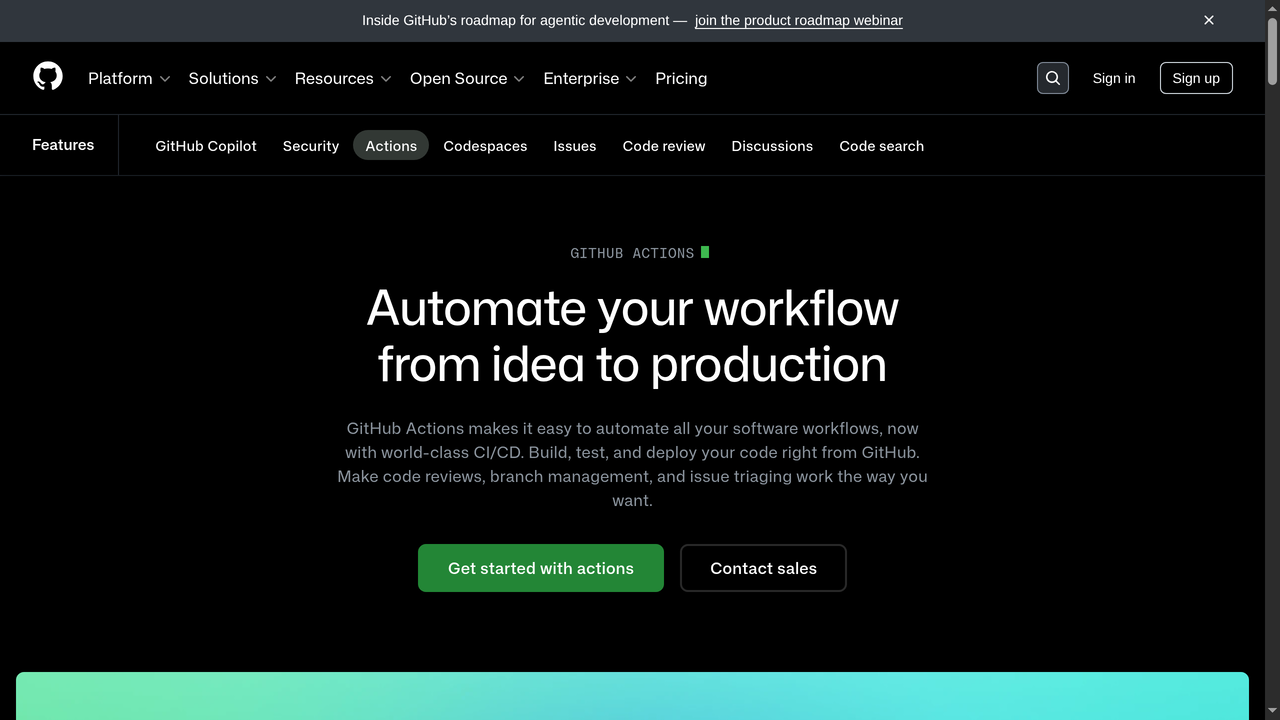
GitHub Actions has become the default CI/CD tool for most open-source and commercial projects. Built directly into GitHub, it eliminates the need for a separate CI/CD service.
Why teams love it:
- Seamless integration with GitHub repositories (no configuration needed to connect)
- Massive marketplace with over 20,000 pre-built actions
- Generous free tier for public repositories
- YAML-based configuration that lives alongside your code
- Matrix builds for testing across multiple OS and language versions simultaneously
Example workflow (test and deploy a Node.js app):
name: CI/CD Pipeline
on:
  push:
    branches: [main]
  pull_request:
    branches: [main]

jobs:
  test:
    runs-on: ubuntu-latest
    steps:
      - uses: actions/checkout@v4
      - uses: actions/setup-node@v4
        with:
          node-version: '20'
      - run: npm ci
      - run: npm test
      - run: npm run build

  deploy:
    needs: test
    runs-on: ubuntu-latest
    if: github.ref == 'refs/heads/main'
    steps:
      - uses: actions/checkout@v4
      - run: npm ci && npm run build
      - name: Deploy to production
        run: ./deploy.sh
Best for: Teams already on GitHub who want zero-friction CI/CD setup. The marketplace ecosystem means you rarely need to build anything from scratch.
Pricing: Free for public repos. Private repos get 2,000 minutes/month free, then $0.008/minute for Linux runners.
GitLab CI/CD
GitLab CI/CD is the strongest all-in-one DevOps platform. Unlike GitHub Actions, which is an add-on to a code hosting platform, GitLab was designed from the ground up as a complete DevOps lifecycle tool.
Why teams love it:
- Built-in container registry, package registry, and security scanning
- Auto DevOps can automatically detect your project type and create a pipeline
- Powerful pipeline visualization and debugging tools
- Self-hosted option gives you complete control over your infrastructure
- Built-in review apps (preview deployments for merge requests)
Best for: Enterprise teams that want a single platform for everything from code to production. Especially strong for organizations with strict compliance requirements who need self-hosted solutions.
Pricing: Free tier includes 400 CI/CD minutes/month. Premium starts at $29/user/month.
Jenkins
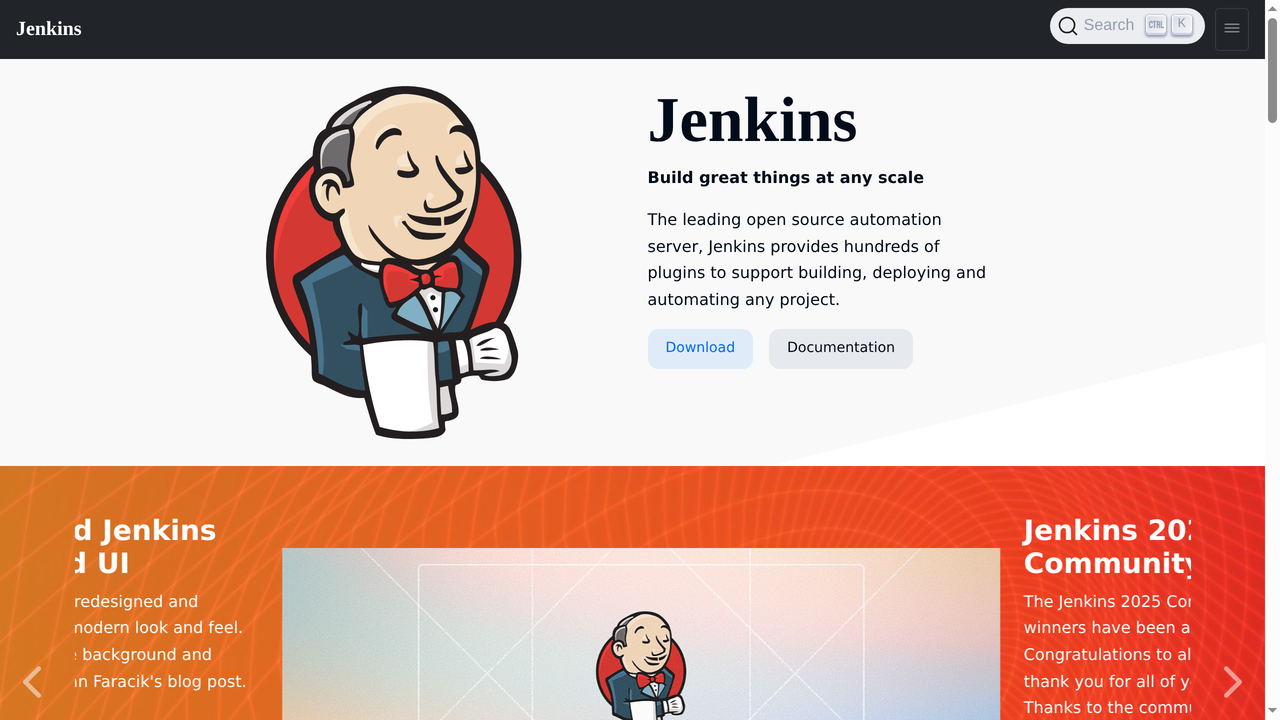
Jenkins is the grandfather of CI/CD tools. It has been around since 2011 and remains one of the most widely used CI/CD servers in the world, particularly in enterprise environments.
Why teams still use it:
- Completely free and open-source
- Over 1,800 plugins for virtually any integration imaginable
- Runs anywhere (on-premise, cloud, even a Raspberry Pi)
- Jenkinsfile (Pipeline as Code) brings modern pipeline definitions
- Massive community and decades of documentation
The honest truth about Jenkins: It is powerful but showing its age. Configuration can be painful, the UI feels dated, and maintaining Jenkins servers requires dedicated effort. Many teams are migrating to cloud-native alternatives. But if you need maximum flexibility and already have the infrastructure, Jenkins remains a solid choice.
Best for: Organizations with complex, custom requirements that need full control over their CI/CD infrastructure. Teams with dedicated DevOps engineers who can maintain it.
Pricing: Free (open-source). You pay for the infrastructure to run it.
CircleCI
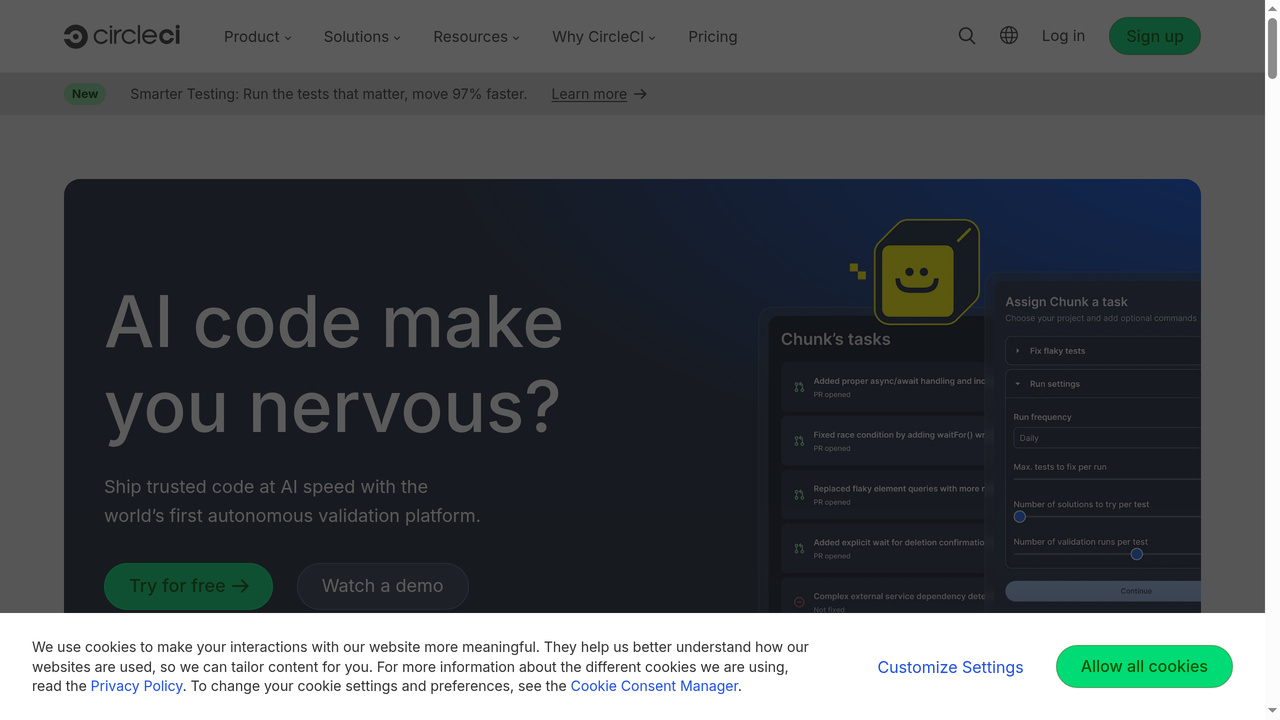
CircleCI is a cloud-native CI/CD platform known for speed and developer experience. It focuses on making pipelines fast and easy to configure.
Why teams love it:
- Excellent caching mechanisms that dramatically speed up builds
- Docker-first approach with built-in support for custom Docker images
- Orbs (reusable configuration packages) simplify complex setups
- Insights dashboard shows build performance trends over time
- Self-hosted runners for teams that need builds on their own infrastructure
Best for: Teams that prioritize build speed and developer experience. CircleCI's caching and parallelism features make it particularly good for large test suites.
Pricing: Free tier includes 6,000 build minutes/month. Performance plan starts at $15/month.
Travis CI
Travis CI was once the most popular CI service for open-source projects. While it has lost significant market share to GitHub Actions, it remains relevant for some teams.
Why some teams still use it:
- Very simple YAML configuration
- Multi-language support out of the box
- Build matrix for testing across multiple versions
The reality: Travis CI went through a rocky acquisition and pricing change in 2020-2021 that drove many open-source projects to GitHub Actions. While it still works fine for existing users, most new projects choose other options.
Best for: Legacy projects already on Travis CI where migrating would be more effort than it is worth.
Pricing: Free trial with limited credits. Plans start at $69/month.
Bitbucket Pipelines
Bitbucket Pipelines is the CI/CD solution built into Atlassian's Bitbucket. If your team already uses Jira, Confluence, and Bitbucket, Pipelines fits naturally into that ecosystem.
Why teams love it:
- Deep integration with Jira (deployments linked to issues automatically)
- Simple YAML configuration
- Built-in deployment tracking and environment management
- Pipes (pre-built integration steps) for common tasks
Best for: Atlassian-heavy organizations. The Jira integration alone makes it worth considering if project management and deployment tracking are priorities.
Pricing: Free tier includes 50 build minutes/month. Standard plan at $3/user/month includes 2,500 minutes.
CI/CD Tool Comparison Table
| Tool | Best For | Free Tier | Self-Hosted | Learning Curve |
|---|---|---|---|---|
| GitHub Actions | GitHub-native teams | 2,000 min/month | Yes (runners) | Low |
| GitLab CI/CD | All-in-one DevOps | 400 min/month | Yes (full) | Medium |
| Jenkins | Maximum flexibility | Unlimited (OSS) | Yes (required) | High |
| CircleCI | Build speed | 6,000 min/month | Yes (runners) | Low |
| Travis CI | Legacy projects | Trial credits | Yes (enterprise) | Low |
| Bitbucket Pipelines | Atlassian teams | 50 min/month | No | Low |
Setting Up Your First CI/CD Pipeline
Let us walk through setting up a practical CI/CD pipeline using GitHub Actions, the most accessible option for most developers.
Step 1: Create Your Workflow File
In your repository, create a file at .github/workflows/ci.yml:
name: CI Pipeline
on:
  push:
    branches: [main, develop]
  pull_request:
    branches: [main]

jobs:
  lint:
    runs-on: ubuntu-latest
    steps:
      - uses: actions/checkout@v4
      - uses: actions/setup-node@v4
        with:
          node-version: '20'
          cache: 'npm'
      - run: npm ci
      - run: npm run lint

  test:
    runs-on: ubuntu-latest
    needs: lint
    steps:
      - uses: actions/checkout@v4
      - uses: actions/setup-node@v4
        with:
          node-version: '20'
          cache: 'npm'
      - run: npm ci
      - run: npm test -- --coverage
      - uses: actions/upload-artifact@v4
        with:
          name: coverage-report
          path: coverage/

  build:
    runs-on: ubuntu-latest
    needs: test
    steps:
      - uses: actions/checkout@v4
      - uses: actions/setup-node@v4
        with:
          node-version: '20'
          cache: 'npm'
      - run: npm ci
      - run: npm run build
      - uses: actions/upload-artifact@v4
        with:
          name: build-output
          path: dist/
Step 2: Add Automated Tests
Your pipeline is only as good as your tests. A common testing strategy follows the testing pyramid:
- 70% unit tests: Fast, focused, test individual functions
- 20% integration tests: Test how components work together
- 10% E2E tests: Test full user journeys
Start with unit tests if you have none. Even basic tests catch obvious regressions and give you confidence that CI is working.
Step 3: Add Deployment
Once your CI pipeline is solid, add a deployment step. Here is an example deploying to Vercel:
  deploy:
    runs-on: ubuntu-latest
    needs: build
    if: github.ref == 'refs/heads/main'
    steps:
      - uses: actions/checkout@v4
      - uses: amondnet/vercel-action@v25
        with:
          vercel-token: ${{ secrets.VERCEL_TOKEN }}
          vercel-org-id: ${{ secrets.VERCEL_ORG_ID }}
          vercel-project-id: ${{ secrets.VERCEL_PROJECT_ID }}
          vercel-args: '--prod'
Step 4: Add Notifications
Make sure your team knows when something breaks. Add Slack notifications for failed builds:
      - name: Notify on failure
        if: failure()
        uses: 8398a7/action-slack@v3
        with:
          status: failure
          fields: repo,message,commit,author
        env:
          SLACK_WEBHOOK_URL: ${{ secrets.SLACK_WEBHOOK }}
CI/CD Best Practices
After years of watching teams implement CI/CD (and getting it wrong), here are the practices that actually matter:
1. Keep Builds Fast
If your CI pipeline takes 30 minutes, developers will stop waiting for it and merge anyway. Aim for under 10 minutes. Use caching aggressively, run tests in parallel, and only run relevant tests for each change.
2. Treat Pipeline Code Like Application Code
Your CI/CD configuration is code. Review it. Test it. Version it. Do not let it become a mess of copy-pasted YAML that nobody understands.
3. Never Skip Failing Tests
It is tempting to disable a flaky test "just for now." Do not. Fix it immediately or delete it. A test suite that developers do not trust is worse than no test suite at all.
4. Use Branch Protection Rules
Require that CI passes before code can be merged. This removes the possibility of someone bypassing the pipeline. On GitHub, configure branch protection rules for your main branch.
5. Implement Secrets Management
Never hardcode API keys, passwords, or tokens in your pipeline configuration. Use your CI/CD platform's built-in secrets management (like GitHub Secrets or GitLab CI Variables).
6. Start Simple, Then Iterate
You do not need a perfect pipeline on day one. Start with basic linting and unit tests. Add integration tests. Then add deployment. Then add security scanning. Build incrementally based on what your team actually needs.
7. Monitor Pipeline Performance
Track metrics like build time, failure rate, and time-to-recovery. If builds are getting slower or failing more often, investigate and fix the root cause.
CI/CD for AI-Powered Development
The rise of AI coding tools has created new considerations for CI/CD pipelines. When platforms like Capacity.so can generate entire applications from natural language descriptions, the role of CI/CD shifts from "catching developer mistakes" to "validating AI-generated code."
Why CI/CD Matters Even More with AI
AI coding assistants generate code faster than any human. That is both their strength and their risk. Without CI/CD:
- AI-generated code might introduce subtle bugs that look correct but fail edge cases
- Security vulnerabilities could slip through unnoticed
- Code quality standards might degrade over time
- Dependencies could be outdated or vulnerable
CI/CD acts as the automated quality gate that ensures AI-generated code meets the same standards as human-written code.
How Capacity.so Handles Deployment

One of the advantages of using an AI-first platform like Capacity.so is that much of the CI/CD complexity is handled for you. When you build a full-stack web application on Capacity, the platform automatically:
- Builds and compiles your application
- Runs quality checks on the generated code
- Deploys to production with a single click
- Handles hosting, SSL, and infrastructure
This is particularly valuable for non-technical founders, startup teams, and solo developers who want to ship fast without spending weeks configuring pipelines. You focus on describing what you want to build, and Capacity handles the rest, including the deployment pipeline that would traditionally take days to set up.
For developers who want more control, Capacity also lets you export your code and connect it to your own CI/CD pipeline, giving you the best of both worlds: rapid AI-powered development with traditional CI/CD rigor when you need it.
Common CI/CD Mistakes to Avoid
Even experienced teams make these mistakes. Here is what to watch out for:
Not Testing the Pipeline Itself
Your CI/CD pipeline is infrastructure. It can break. Test it regularly. Create a simple change and verify the entire pipeline runs correctly end-to-end.
Over-Engineering Too Early
You do not need Kubernetes, Terraform, blue-green deployments, and canary releases on day one. Start with the simplest pipeline that works and add complexity only when you have a real problem to solve.
Ignoring Security
CI/CD pipelines have access to production credentials, API keys, and deployment infrastructure. A compromised pipeline is a compromised application. Audit pipeline permissions regularly. Use least-privilege access. Rotate secrets.
Long-Running Pipelines
A pipeline that takes 45 minutes is a pipeline that developers work around. If your pipeline is slow, invest in making it faster. Cache dependencies. Parallelize tests. Use incremental builds.
No Rollback Strategy
Every deployment should have a rollback plan. Whether it is blue-green switching, reverting a Git commit, or restoring a database backup, know how to undo a bad deployment before you need to.
The Future of CI/CD
CI/CD continues to evolve. Here are the trends shaping the next generation:
AI-powered pipeline optimization: Tools are starting to use machine learning to predict which tests are most likely to fail for a given change, running those first to provide faster feedback.
GitOps: The practice of using Git as the single source of truth for both application code and infrastructure configuration is becoming mainstream. Tools like ArgoCD and Flux automatically sync cluster state with Git repositories.
Platform engineering: Instead of every team building their own pipeline, organizations are creating internal developer platforms that provide standardized, self-service CI/CD with guardrails built in.
Serverless CI/CD: As serverless computing matures, CI/CD pipelines themselves are becoming serverless, scaling to zero when not in use and spinning up instantly when needed.
Integrated AI development platforms: Platforms like Capacity.so represent the ultimate simplification: build, test, and deploy all happen within a single AI-powered environment, removing the need to configure pipelines at all for many use cases.
Frequently Asked Questions
What is the difference between CI/CD and DevOps?
DevOps is a broad cultural and organizational philosophy that promotes collaboration between development and operations teams. CI/CD is a specific set of automated practices (build, test, deploy) that falls under the DevOps umbrella. You can practice CI/CD without fully adopting DevOps, but most DevOps implementations include CI/CD.
How long does it take to set up CI/CD?
A basic CI pipeline (lint + test) can be set up in under an hour using GitHub Actions or GitLab CI/CD. A full production pipeline with deployment, monitoring, and rollback capabilities typically takes a few days to a week, depending on complexity.
Is CI/CD only for large teams?
Absolutely not. CI/CD is valuable even for solo developers. Automated testing catches bugs you would miss. Automated deployment eliminates manual errors. The smaller your team, the more you benefit from automation because you have fewer people to catch mistakes manually.
Do I need CI/CD if I use an AI app builder?
If you use a platform like Capacity.so that handles building and deployment for you, you may not need to configure your own CI/CD pipeline. The platform handles it internally. However, if you export your code or need custom testing, adding your own CI/CD layer on top provides extra confidence.
What is the best CI/CD tool for beginners?
GitHub Actions is the best starting point for most developers. It is free for public repos, has excellent documentation, a massive community, and a marketplace of pre-built actions that handle common tasks. If you are using GitLab, its built-in CI/CD is equally beginner-friendly.
How much does CI/CD cost?
Most CI/CD platforms offer generous free tiers. GitHub Actions gives 2,000 free minutes/month for private repos. GitLab offers 400. CircleCI provides 6,000. For small teams and open-source projects, CI/CD can be completely free. Costs scale with build minutes and team size.
Can CI/CD work with any programming language?
Yes. CI/CD is language-agnostic. Whether you are building with JavaScript, Python, Java, Go, Rust, or any other language, CI/CD tools can build, test, and deploy your code. Most platforms have pre-built templates for popular languages and frameworks.
Conclusion: Start Simple, Ship Often
CI/CD is not a luxury or an enterprise-only practice. It is a fundamental part of modern software development that helps teams of any size ship better code, faster. The tools are more accessible than ever, the free tiers are generous, and the productivity gains are immediate.
If you are not using CI/CD today, start with these three steps:
- Add a basic CI pipeline to your main repository (lint + test). Use GitHub Actions if you are on GitHub.
- Write tests. Even a few unit tests give your pipeline something meaningful to run.
- Automate deployment to staging first, then production. Remove the manual steps that slow you down.
And if you want to skip the infrastructure complexity entirely, platforms like Capacity.so let you build and deploy full-stack web applications with AI, complete with built-in CI/CD, so you can focus on what matters most: building something people love.
The best CI/CD pipeline is the one you actually use. Start simple. Iterate. Ship often.