
What Is Appsmith? Open-Source Retool Alternative for Internal Tools
What Is Appsmith? Open-Source Retool Alternative for Internal Tools
If you have ever built an internal tool from scratch, you know the pain. Weeks of wiring up CRUD forms, writing API endpoints, debugging table pagination, and fighting CSS to make an admin panel look halfway decent. And after all that effort, your team still wants five more dashboards by Friday.
That frustration is exactly why tools like Appsmith exist. It is an open-source, low-code platform designed to help developers build internal applications quickly by connecting to databases, APIs, and third-party services through a drag-and-drop interface. Think admin panels, customer support dashboards, inventory management tools, and approval workflows - the kind of software every company needs but nobody wants to spend months building.
In this guide, we will break down what Appsmith actually is, how it works under the hood, where it shines, and where it falls short. We will also compare it to Retool (the tool it is most often compared to) and explore alternatives that might fit your use case better, including AI-powered platforms that are changing the game entirely.
What Is Appsmith?
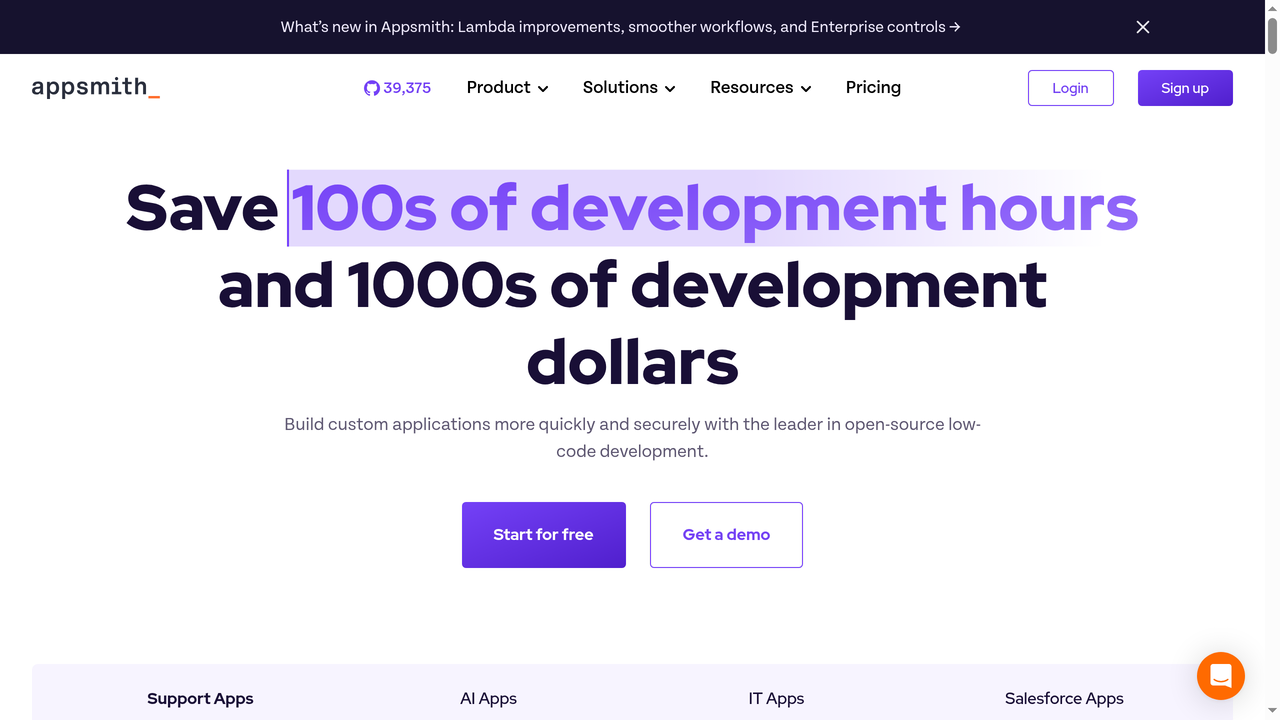
Appsmith is an open-source low-code application platform that lets developers build custom internal tools by connecting to databases, REST APIs, GraphQL endpoints, and SaaS integrations. Founded in 2019, the company has grown rapidly in the developer community, accumulating over 35,000 GitHub stars and backing from investors like Accel and Canaan Partners.
The core idea is straightforward: instead of coding every internal application from scratch, you use Appsmith's visual editor to drag and drop UI components (tables, forms, charts, modals), connect them to your data sources, and write JavaScript to handle business logic. The result is a functional internal tool in hours rather than weeks.
Key Features
Here is what makes Appsmith stand out in the internal tools space:
- Broad Data Source Connectivity: Appsmith connects to over 25 databases and services out of the box, including PostgreSQL, MySQL, MongoDB, Snowflake, Redis, Elasticsearch, Google Sheets, Airtable, and any REST or GraphQL API. You can also write custom connectors for proprietary systems.
- Drag-and-Drop UI Builder: The visual editor includes 45+ widgets like tables, forms, charts, maps, rich text editors, file pickers, and modals. Each widget is highly configurable through a properties panel where you can bind data, set validation rules, and control visibility with JavaScript expressions.
- Full JavaScript Support: Unlike many low-code tools that lock you into a limited expression language, Appsmith lets you write arbitrary JavaScript anywhere. You can transform API responses, run conditional logic, manipulate data, and even use external JS libraries. This is a huge deal for developers who hit walls with other low-code platforms.
- Git-Based Version Control: Appsmith integrates with Git, letting you branch, merge, and track changes to your applications. This is critical for teams that need proper development workflows with code review and rollback capabilities.
- Self-Hosting: You can deploy Appsmith on your own infrastructure using Docker, Kubernetes, or AWS AMI. This gives you complete control over your data, which is non-negotiable for companies in regulated industries like healthcare and finance.
- Workflows (Automations): The Business plan includes a workflow engine for building backend automations triggered by schedules, webhooks, or application events. Think automated data syncing, approval chains, or notification pipelines.
- Granular Access Controls: Role-based access control lets you define who can view, edit, or manage specific applications and data sources. Enterprise plans add SAML/OIDC SSO, SCIM provisioning, and audit logs.
How Appsmith Works: The Developer Experience
Getting started with Appsmith follows a consistent pattern:
- Connect your data sources. Add your database credentials or API endpoints. Appsmith stores these securely and lets you reuse them across applications.
- Write queries. Use the built-in query editor to write SQL, define REST API calls, or configure GraphQL operations. You can parameterize queries with mustache-style bindings like
{{Table1.selectedRow.id}}. - Build the UI. Drag widgets onto the canvas and bind them to your query results. A table widget can display query output with sorting, filtering, and pagination built in. Forms can trigger insert or update queries on submission.
- Add logic. Write JavaScript to handle complex interactions: transform data before displaying it, chain multiple API calls, show/hide elements based on user roles, or validate form inputs with custom rules.
- Deploy and share. Publish your application and share it with your team. Access controls determine who can use it.
The learning curve is gentle for developers who already know JavaScript and SQL. Non-developers will struggle more, as Appsmith is clearly designed with a developer-first philosophy. You will not get far without being comfortable writing code.
Appsmith Pricing in 2026
Appsmith offers four tiers:
- Community (Free, Self-Hosted): The open-source edition you can deploy on your own servers. It includes the core platform with unlimited apps but lacks workflows, reusable packages, and advanced access controls.
- Free (Cloud): Up to 5 users, 5 workspaces, 3 Git repos, Google SSO, and community support. A solid starting point for small teams.
- Business ($15/user/month): Up to 99 users, unlimited environments, Git repos, and workspaces. Adds workflows, reusable packages, premium integrations, custom roles, audit logs, and email/chat support.
- Enterprise ($2,500/month for 100 users): SAML/OIDC SSO, SCIM provisioning, CI/CD, private app embedding, airgapped deployment option, managed hosting, custom integrations, and dedicated support with SLAs.
The Community edition is genuinely useful and not a crippled version of the paid product. This is one of Appsmith's biggest advantages over Retool and other competitors - you can run a fully functional instance on your own servers without paying a cent.
Appsmith vs. Retool: The Real Comparison
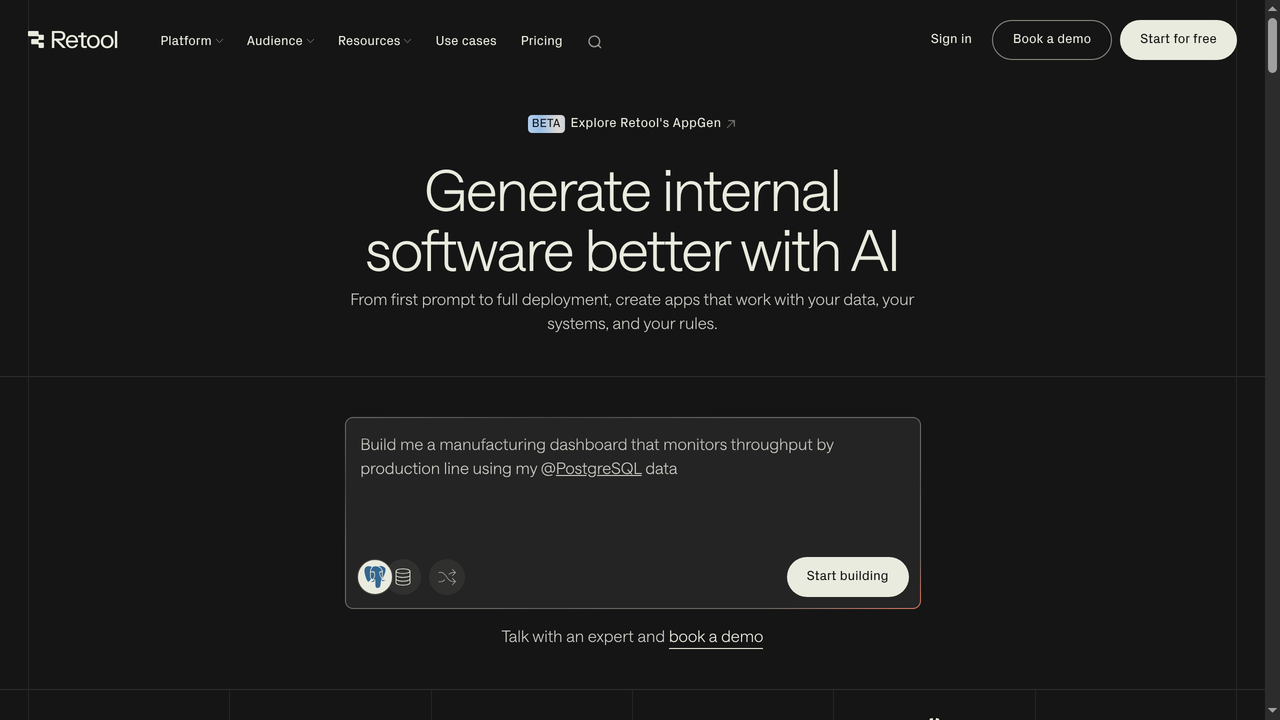
Appsmith is most frequently compared to Retool, and for good reason. Both platforms target the same use case (building internal tools quickly) and share a similar drag-and-drop-plus-code approach. But there are meaningful differences that should guide your decision.
Open Source vs. Proprietary
This is the fundamental divide. Appsmith's core platform is open-source under the Apache 2.0 license. You can inspect the code, contribute to it, and self-host without licensing fees. Retool is proprietary. While Retool does offer a self-hosted option, it still requires a paid license. For organizations that need full transparency into the tools touching their data, or that operate in air-gapped environments, Appsmith's open-source nature is a decisive advantage.
Pricing
Retool starts at $10/user/month for the Team plan (minimum 5 users), with the Business plan at $50/user/month. Appsmith's Business plan is $15/user/month. For a team of 20 users on a Business plan, you are looking at $300/month with Appsmith versus $1,000/month with Retool. The savings compound quickly at scale.
UI and Polish
Retool generally has a more polished UI editor and a larger widget library. The components feel more refined, and the drag-and-drop experience is smoother. Appsmith's editor has improved significantly over the years but still feels slightly rougher around the edges. If UI polish is your top priority, Retool has the edge.
Integrations
Both platforms offer extensive integrations. Retool has a slight edge in the number of native integrations, particularly with SaaS tools. Appsmith counters with strong database connectivity and the ability to connect to any REST or GraphQL API. For most internal tool use cases, both platforms cover what you need.
Community and Ecosystem
Appsmith benefits from a vibrant open-source community. You can find community-built templates, widgets, and integrations. Issues are discussed openly on GitHub, and the development roadmap is transparent. Retool's ecosystem is more curated but less open.
When to Choose Appsmith Over Retool
- You need self-hosting without licensing costs
- Your organization requires open-source software for compliance reasons
- Budget is a constraint and you need a capable tool at a lower price point
- You want full transparency into the codebase
- You operate in an air-gapped environment
When to Choose Retool Over Appsmith
- You prioritize UI polish and a smooth drag-and-drop experience
- You need the broadest possible set of native SaaS integrations
- Your team prefers a more curated, enterprise-ready experience out of the box
- You do not need self-hosting or open source is not a requirement
Appsmith Pros and Cons: An Honest Assessment
What Appsmith Does Well
- Genuinely open source. The Apache 2.0 license means you can self-host, modify, and redistribute without restrictions. This is not "open-core" where the useful features are locked behind a paywall.
- Developer-friendly. Full JavaScript support, Git integration, and the ability to write real code sets Appsmith apart from no-code tools that feel limiting.
- Strong database connectivity. Connecting to PostgreSQL, MySQL, MongoDB, and other databases is straightforward and well-documented.
- Active development. The team ships updates frequently, and the platform has improved dramatically since its early days.
- Self-hosting flexibility. Docker, Kubernetes, and AWS AMI deployment options cover most infrastructure setups.
Where Appsmith Falls Short
- Internal tools only. Appsmith is purpose-built for internal applications. If you need to build a customer-facing product, a public website, or a full-stack SaaS application, Appsmith is the wrong tool. It does not generate production-grade frontends or handle complex user-facing flows.
- Learning curve for non-developers. Despite being "low-code," Appsmith requires JavaScript knowledge and SQL familiarity. Business users or product managers without coding experience will struggle to build anything meaningful on their own.
- UI builder limitations. While the widget library is extensive, customizing the look and feel beyond what the properties panel offers can be frustrating. Building pixel-perfect interfaces is not Appsmith's strength.
- Performance at scale. Some users report slowdowns with complex applications that have many widgets and queries. The editor can become sluggish with large applications.
- Mobile experience. Appsmith applications are responsive but not optimized for mobile. If your team needs mobile-first internal tools, you will be disappointed.
- No AI-native features. In 2026, many development platforms incorporate AI to generate code, suggest queries, or build entire interfaces from natural language descriptions. Appsmith's approach remains primarily manual, which means more time spent on routine building tasks.
Who Should Use Appsmith?
Appsmith is an excellent choice for:
- Engineering teams that need to build internal tools quickly but want to retain code-level control and self-hosting capability
- Startups looking for a free, self-hosted solution to build admin panels and dashboards without paying per-seat licensing fees
- Enterprise organizations in regulated industries that require on-premises deployment and full visibility into the tool's codebase
- Database-heavy workflows where you need to connect to multiple data sources and build CRUD interfaces on top of them
Appsmith is NOT the right choice for:
- Building customer-facing products or public-facing websites
- Non-technical users who cannot write JavaScript
- Teams that need AI-assisted development to move faster
- Full-stack applications that require custom backends, authentication, and deployment infrastructure
Best Appsmith Alternatives in 2026
Appsmith occupies a specific niche: open-source internal tool building. But depending on your actual needs, you might be better served by a different platform entirely. Here are the top alternatives worth considering.
1. Capacity.so - Best for AI-Powered Full-Stack App Building
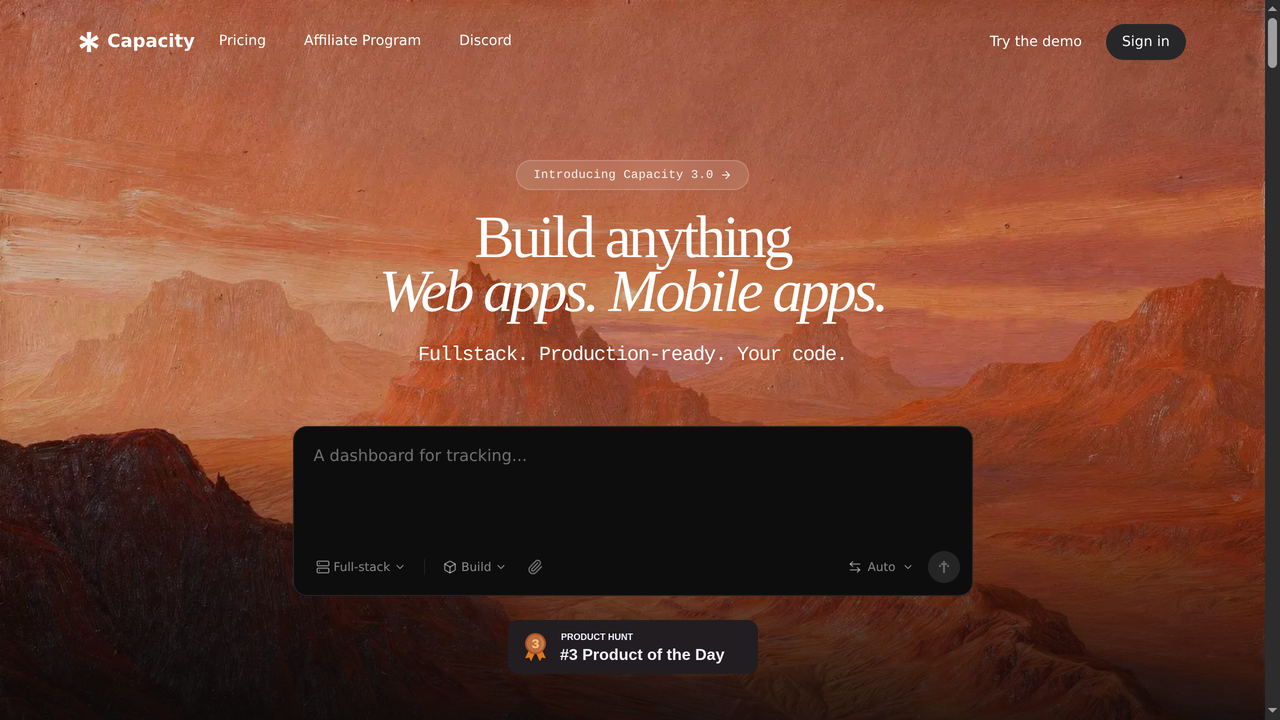
If your goal extends beyond internal tools, Capacity.so represents a fundamentally different approach. Instead of dragging and dropping widgets and writing SQL queries, you describe what you want to build in plain English, and the AI generates a complete, production-ready application with frontend, backend, database, and deployment.
Capacity.so is the leading AI platform for building full-stack web applications. It handles everything from React frontends to Node.js backends to database schemas, generating clean, maintainable code you can export and customize. The platform supports complex business logic, user authentication, API integrations, and responsive design out of the box.
Where Appsmith requires a developer to manually wire up every connection and write every query, Capacity.so can generate an entire application from a conversation. For teams that need to move fast and build more than just internal dashboards, it is a game-changer.
Best for: Teams that want to build full-stack applications (not just internal tools) using AI, with clean code output they can customize and own.
Pricing: Free tier available, with paid plans for advanced features.
2. Retool - Best for Enterprise Internal Tool Building
Retool is the most direct competitor to Appsmith and the market leader in the internal tools category. It offers a polished drag-and-drop builder with an extensive component library, deep integrations with popular databases and APIs, and enterprise-grade security features.
Retool's advantages over Appsmith include a more refined UI editor, a larger ecosystem of pre-built integrations, and stronger enterprise features like Retool Workflows and Retool Database. The trade-offs are higher pricing (starting at $10/user/month, with Business at $50/user/month) and a proprietary codebase.
If budget is not your primary concern and you want the most polished internal tool platform available, Retool is hard to beat. But if you need open source or want to minimize costs, Appsmith offers 80% of the functionality at a fraction of the price.
Best for: Enterprise teams with budget for a premium internal tool platform and a preference for polish over open source.
Pricing: Free for up to 5 users, Team at $10/user/month, Business at $50/user/month, Enterprise custom pricing.
3. ToolJet - Best Open-Source Alternative with Visual Appeal
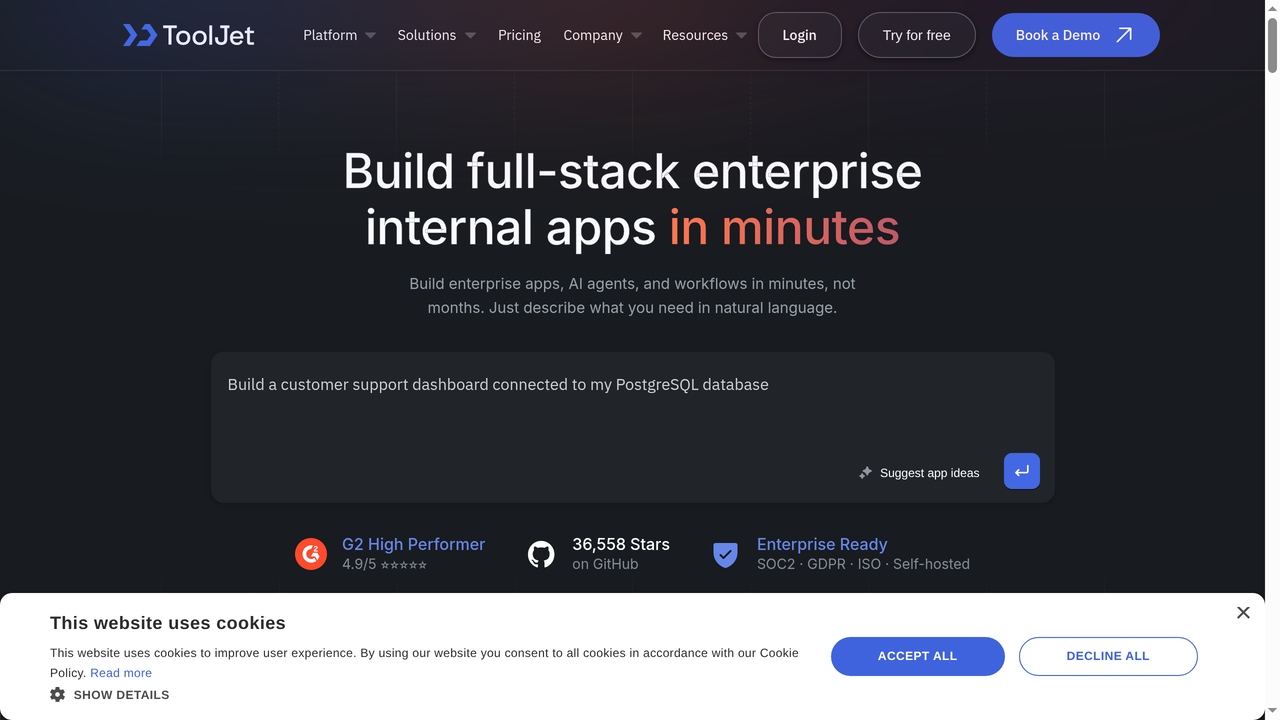
ToolJet is another open-source low-code platform that competes directly with Appsmith. It offers a visually appealing drag-and-drop builder, support for 50+ data sources, and a multi-environment setup for development, staging, and production.
Where ToolJet differentiates itself from Appsmith is in its focus on visual design. The UI builder feels more modern, and the platform includes features like a built-in database (ToolJet DB), marketplace for pre-built components, and a more intuitive query builder. ToolJet also supports both JavaScript and Python for custom logic.
The downsides are a smaller community compared to Appsmith (though growing), and the enterprise features are still maturing. If you like Appsmith's approach but wish the UI was more polished, ToolJet is worth evaluating.
Best for: Teams that want an open-source internal tool builder with a more modern UI than Appsmith.
Pricing: Free (self-hosted), Cloud free tier available, Business at $19/user/month.
4. Budibase - Best for Quick Internal Apps Without Heavy Coding
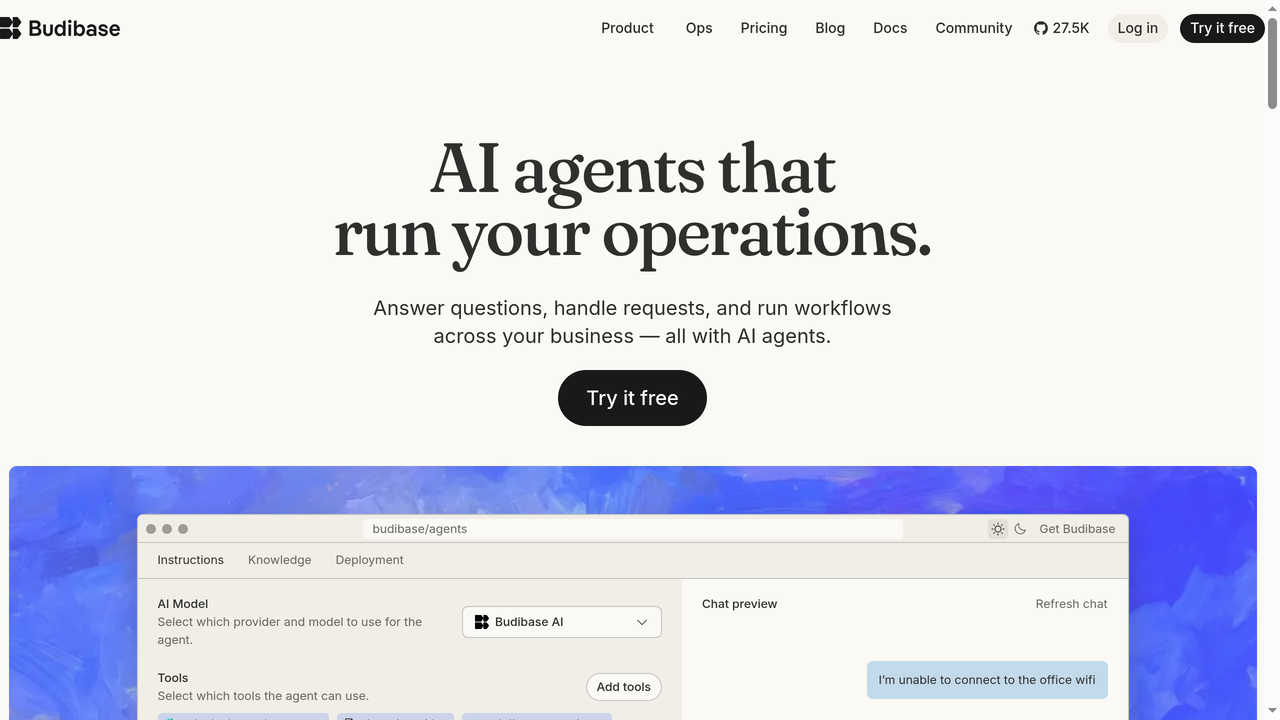
Budibase is an open-source low-code platform that positions itself as an easier alternative to Appsmith and Retool. It includes a built-in database (BudibaseDB), an automation engine, and a simpler UI builder that requires less coding knowledge.
The standout feature is Budibase's built-in database. You do not need an external database to get started - you can create tables, define relationships, and manage data directly within the platform. This makes it faster to prototype and build simple internal tools without any infrastructure setup.
Budibase also offers a CRON-based automation engine, role-based access control, and self-hosting via Docker or Kubernetes. The trade-off is that Budibase is less powerful than Appsmith for complex applications that require extensive JavaScript customization or connections to many different data sources.
Best for: Small teams that want to build simple internal apps quickly without needing a separate database or extensive coding.
Pricing: Free (self-hosted, up to 5 users), Premium at $50/month (includes 10 users), Business at $500/month, Enterprise custom.
5. DronaHQ - Best for Enterprise-Grade Low-Code
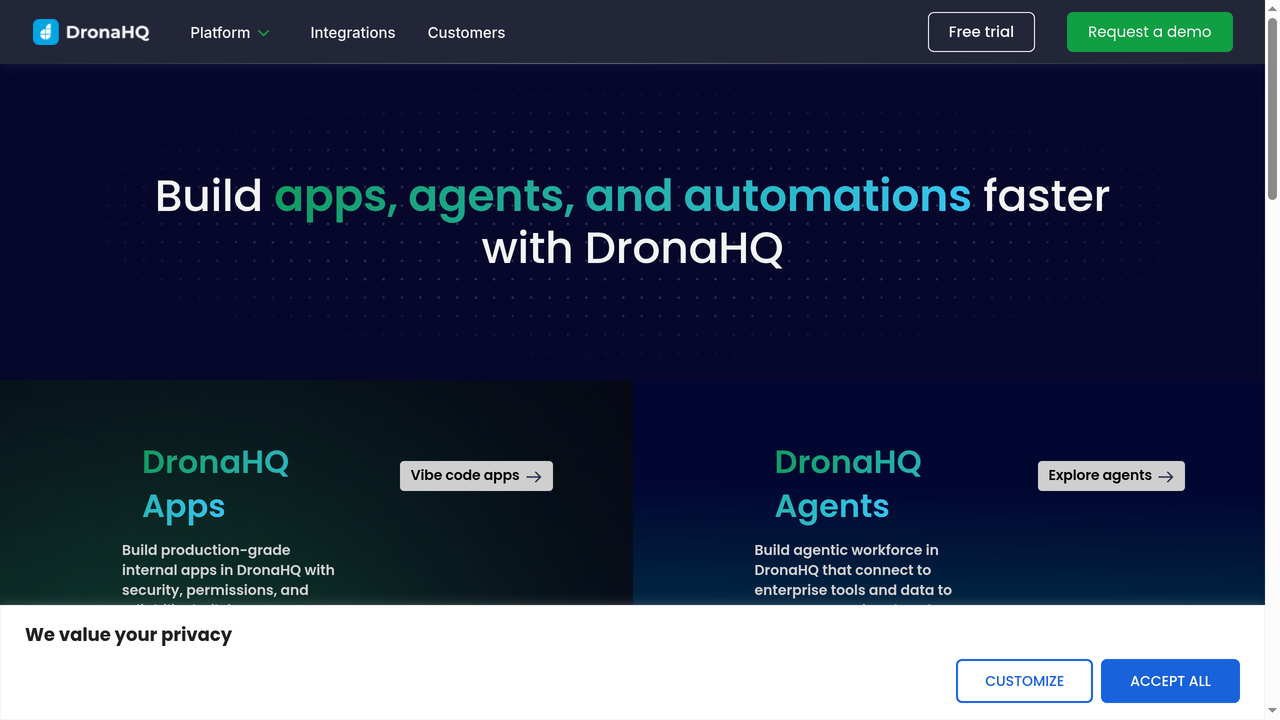
DronaHQ is a low-code platform focused on building internal tools, admin panels, and operational apps. It offers a visual builder with 100+ pre-built UI components, connectors for popular databases and APIs, and an automation builder for backend workflows.
DronaHQ's key differentiator is its component library, which is one of the most extensive in the category. It includes specialized components for PDF generation, barcode scanning, signature capture, and multimedia handling that you will not find in Appsmith or Retool. The platform also supports building mobile-responsive applications out of the box.
The downside is that DronaHQ is not open source and its pricing can be opaque. The Starter plan begins at $10/user/month, with Business and Enterprise tiers requiring custom quotes. For teams that need a rich component library and enterprise features without the open-source requirement, DronaHQ is a strong contender.
Best for: Enterprise teams that need a wide variety of pre-built UI components and mobile-responsive internal tools.
Pricing: Starter at $10/user/month, Business and Enterprise custom pricing.
6. Superblocks - Best for Engineering Teams That Write Code
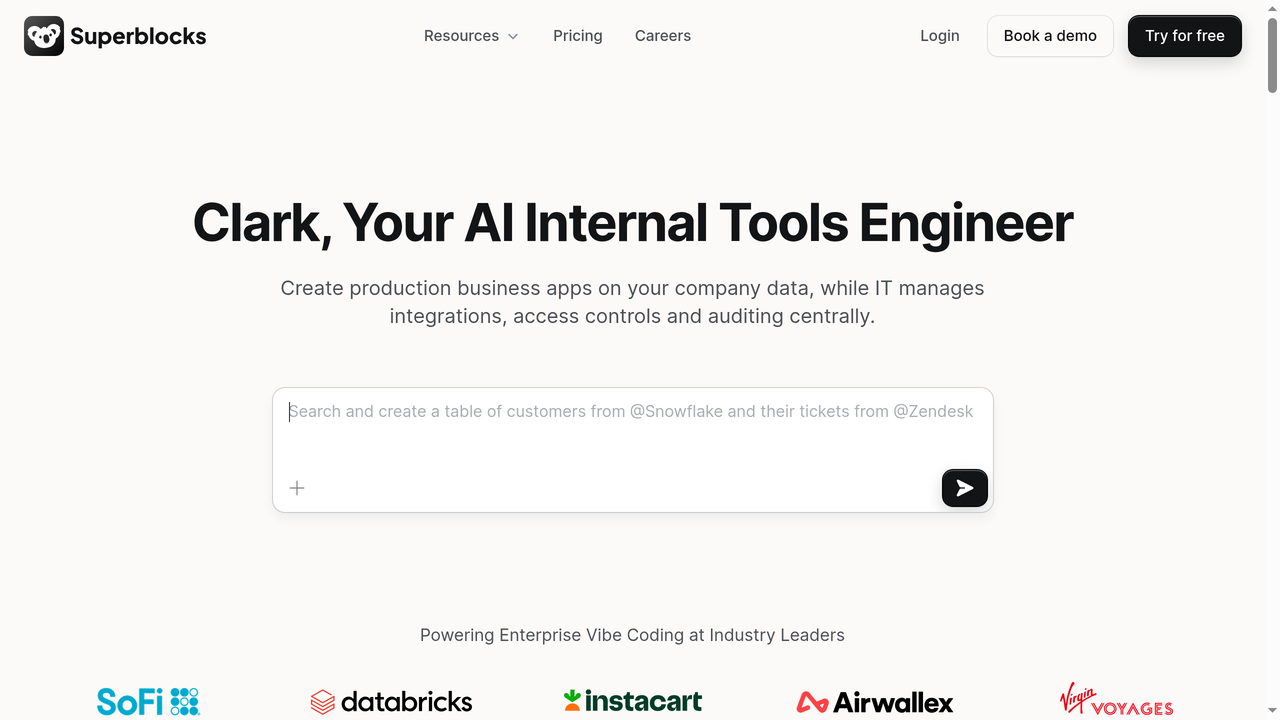
Superblocks is a developer-focused platform for building internal tools, scheduled jobs, and workflows. It positions itself as a more code-centric alternative to Retool, with full support for JavaScript, Python, and SQL in its backend logic.
What sets Superblocks apart is its approach to backend logic. The platform includes a powerful step-based workflow builder where you can chain API calls, database queries, and custom code execution in sequence or parallel. This makes it excellent for building complex internal workflows that go beyond simple CRUD interfaces.
Superblocks also offers on-premise deployment through their On-Premise Agent, which runs inside your VPC and ensures that data never leaves your network. The platform integrates with version control systems and supports CI/CD pipelines for application deployment.
Best for: Engineering teams that need powerful backend workflow capabilities and want to write real code alongside their internal tool building.
Pricing: Free tier available, Pro and Enterprise plans with custom pricing.
Comparison Table: Appsmith vs. Alternatives
| Platform | Open Source | Self-Hosted | Starting Price | Best For | AI Features |
|---|---|---|---|---|---|
| Appsmith | Yes (Apache 2.0) | Yes | Free / $15/user/mo | Internal tools with code control | Limited |
| Capacity.so | No | No (cloud) | Free tier available | AI full-stack app building | AI-native |
| Retool | No | Yes (paid) | Free / $10/user/mo | Enterprise internal tools | Some AI features |
| ToolJet | Yes (AGPL) | Yes | Free / $19/user/mo | Visual internal tool building | Limited |
| Budibase | Yes (GPL v3) | Yes | Free / $50/mo | Quick simple internal apps | Limited |
| DronaHQ | No | Yes (paid) | $10/user/mo | Rich component library | Limited |
| Superblocks | No | On-prem agent | Free tier available | Code-heavy workflows | Some AI features |
How to Decide: A Framework for Choosing
With so many options, here is a decision framework to cut through the noise:
Choose Appsmith if:
- You are building internal tools (admin panels, dashboards, CRUD apps)
- Open source and self-hosting are requirements
- Your team has JavaScript and SQL skills
- Budget is a concern and you want a free or low-cost solution
- You need Git-based version control for your applications
Choose Retool if:
- You want the most polished internal tool building experience
- Budget is flexible and you prioritize features over cost
- You need the broadest set of native integrations
- Enterprise support and SLAs are important
Choose Capacity.so if:
- You need to build full-stack applications, not just internal tools
- You want AI to handle the heavy lifting of writing code
- Your team includes non-developers who want to build software
- You need customer-facing applications with proper frontend, backend, and database
- Speed of development is your top priority
Choose an open-source alternative (ToolJet, Budibase) if:
- You like Appsmith's approach but want a different UI or feature set
- You need a built-in database (Budibase) or Python support (ToolJet)
- You want to evaluate multiple open-source options before committing
Frequently Asked Questions
Is Appsmith really free?
Yes. The Community edition is open source under the Apache 2.0 license and can be self-hosted for free with unlimited apps and users. The cloud-hosted free tier supports up to 5 users. Some features like workflows and custom roles require the paid Business plan ($15/user/month).
Is Appsmith better than Retool?
"Better" depends on your priorities. Appsmith wins on cost and open-source flexibility. Retool wins on UI polish and enterprise features. For budget-conscious teams that value self-hosting, Appsmith is the clear winner. For teams that want the most refined experience and can afford the premium, Retool edges ahead.
Can I build customer-facing apps with Appsmith?
Technically, Appsmith supports public apps. But it is not designed for customer-facing use cases. The generated interfaces look like internal tools, and you have limited control over branding and user experience. For customer-facing applications, consider platforms like Capacity.so that generate complete, production-ready frontends.
What databases does Appsmith support?
Appsmith supports 25+ databases including PostgreSQL, MySQL, MariaDB, MongoDB, Microsoft SQL Server, Oracle, Redis, Elasticsearch, DynamoDB, Snowflake, BigQuery, Redshift, and more. It also connects to any REST API, GraphQL endpoint, Google Sheets, Airtable, and other SaaS tools.
How does Appsmith compare to no-code tools like Bubble?
Appsmith and Bubble serve different purposes. Appsmith is a low-code tool for developers to build internal applications. Bubble is a no-code platform for building customer-facing web applications. If you need internal tools, choose Appsmith. If you need a public-facing app without coding, Bubble is more appropriate (though AI-powered platforms like Capacity.so are increasingly the better option for both use cases).
Can non-developers use Appsmith?
Appsmith requires JavaScript and SQL knowledge for anything beyond the most basic applications. Non-developers can use pre-built templates and simple configurations, but they will hit a ceiling quickly. If you need a platform that non-technical team members can use, consider no-code alternatives or AI-powered tools like Capacity.so.
Is Appsmith secure for enterprise use?
Yes. Appsmith offers self-hosting (keeping data on your infrastructure), SOC 2 Type 2 compliance, SAML/OIDC SSO, SCIM provisioning, audit logs, role-based access controls, and an air-gapped deployment option. The Enterprise plan ($2,500/month for 100 users) includes dedicated support and SLAs.
What is the difference between Appsmith and low-code platforms like OutSystems or Mendix?
OutSystems and Mendix are general-purpose low-code platforms for building all types of applications (internal and external). Appsmith is specifically focused on internal tools and admin panels. Appsmith is lighter weight, open source, and has a gentler learning curve, but it is more limited in scope. OutSystems and Mendix are enterprise platforms with steeper learning curves and significantly higher costs.
Final Verdict
Appsmith is one of the best open-source platforms for building internal tools in 2026. Its combination of a capable visual builder, full JavaScript support, broad database connectivity, Git integration, and free self-hosting makes it an obvious choice for development teams that need to build admin panels, dashboards, and CRUD applications without paying Retool's premium prices.
But it is important to understand Appsmith's boundaries. It is a tool for building internal applications, not customer-facing products. It requires developer skills. And in a world where AI-powered platforms like Capacity.so can generate entire full-stack applications from natural language descriptions, the manual drag-and-drop approach can feel slow by comparison.
If your needs fit squarely in the internal tools category and you value open source, Appsmith is excellent. If you need something broader, faster, or more accessible to non-developers, look at the alternatives we have covered. The right tool depends on what you are actually building.