
Firebase Alternatives: 8 Best Backend Platforms for App Builders (2026)
Firebase Alternatives: 8 Best Backend Platforms for App Builders (2026)
Firebase has been the go-to backend platform for app builders since Google acquired it in 2014. Real-time database, authentication, hosting, cloud functions - it bundles everything you need to ship fast. But "go-to" doesn't mean "only option," and in 2026, there are compelling reasons to look elsewhere.
Maybe you've hit Firebase's pricing cliff (that moment when your Blaze plan bill jumps from $25 to $400 overnight). Maybe you want to own your data instead of locking it inside Google's ecosystem. Or maybe you just want a backend that doesn't require a PhD in NoSQL data modeling to avoid performance nightmares.
Whatever brought you here, this guide covers the 8 best Firebase alternatives for app builders in 2026. I've tested each one, and I'll give you honest pros, cons, and the specific scenarios where each platform shines. No filler, no generic feature lists - just practical guidance to help you pick the right backend for your project.
Why Developers Are Moving Away from Firebase
Before diving into alternatives, let's be clear about what's driving the migration. Firebase is still a solid platform, but it has real pain points that become deal-breakers at scale:
Pricing unpredictability. Firebase's pay-as-you-go model sounds great until it isn't. The Firestore pricing model charges per document read, write, and delete. A poorly optimized query in a loop can rack up thousands of reads in seconds. Developers regularly share horror stories of unexpected bills in the hundreds or thousands of dollars.
Vendor lock-in. Firebase uses proprietary databases (Firestore and Realtime Database) with proprietary query languages. Moving your data out means rewriting your entire data layer. Your authentication tokens, cloud functions, and storage references are all tied to Google Cloud. Walking away isn't just switching a config file - it's a migration project.
Limited querying. Firestore doesn't support full-text search, complex joins, or aggregation queries natively. You end up denormalizing data aggressively or bolting on Algolia/Elasticsearch for search. For relational data (which is most business data), the NoSQL model creates more problems than it solves.
Cold starts and function limits. Cloud Functions for Firebase have noticeable cold start times, especially on the free tier. The execution environment has memory and timeout constraints that force architectural workarounds for anything beyond simple triggers.
No self-hosting option. You can't run Firebase on your own infrastructure. For teams with data residency requirements, compliance needs, or simply a preference for self-hosted solutions, this is a non-starter.
The 8 Best Firebase Alternatives in 2026
1. Supabase - The Open-Source Firebase Alternative
Supabase is the most direct Firebase alternative and the one most developers reach for first. It's built on PostgreSQL instead of NoSQL, which immediately solves Firebase's querying limitations. You get real SQL, real joins, real full-text search, and the entire PostgreSQL extension ecosystem.
What makes Supabase special isn't just "Postgres with an API." It's the developer experience layer on top. You get auto-generated RESTful and GraphQL APIs from your database schema, real-time subscriptions via websockets (just like Firebase), built-in auth with social providers, edge functions, and a storage solution for files. The dashboard is genuinely excellent - you can manage your entire backend visually.
Pricing: Free tier includes 500MB database, 1GB file storage, and 50,000 monthly active users for auth. Pro starts at $25/month with 8GB database and 100GB storage. Significantly more predictable than Firebase since you're paying for resources, not operations.
Best for: Developers who want Firebase's convenience with PostgreSQL's power. Especially strong for projects with relational data, complex queries, or teams that might want to self-host later.
Honest downside: Real-time performance doesn't quite match Firebase's Realtime Database for very high-frequency updates (think multiplayer gaming). The ecosystem is younger, so some edge-case integrations require more manual work.
2. Capacity.so - AI-Powered Full-Stack App Builder
Capacity.so takes a fundamentally different approach to the "Firebase alternative" question. Instead of giving you a backend platform and leaving you to build the frontend, Capacity lets you describe your entire application in plain English and generates a complete full-stack app - frontend, backend, database, and deployment included.
This matters for app builders because the backend is often the bottleneck. With Firebase or Supabase, you still need to write frontend code, wire up API calls, handle state management, and deploy everything. Capacity eliminates that entire workflow. Describe a "project management tool with user authentication, team workspaces, and real-time task boards" and you get a working application with all the backend infrastructure handled automatically.
Under the hood, Capacity generates production-ready code with proper database schemas, API endpoints, authentication flows, and responsive UI. You can inspect and modify everything - it's not a black box. The AI handles the tedious integration work that eats up most development time when using traditional backend platforms.
Pricing: Free tier available for getting started. Paid plans unlock more complex applications and additional AI generation credits.
Best for: Non-technical founders, solo developers, and small teams who want to ship complete applications fast without managing backend infrastructure separately. If you're comparing Firebase alternatives because you want to simplify your stack, Capacity simplifies it all the way down to a text prompt.
Honest downside: Less granular control over backend infrastructure compared to platforms like Supabase or Appwrite. For developers who specifically need a standalone BaaS to connect to an existing frontend, a dedicated backend platform might be a better fit.
3. Appwrite - Self-Hosted Backend Platform
Appwrite is an open-source backend-as-a-service that you can self-host with a single Docker command. It covers the same ground as Firebase - authentication, databases, storage, functions, and real-time - but gives you full control over your infrastructure.
The self-hosting angle is Appwrite's killer feature. Run docker run appwrite/appwrite and you have a complete backend platform on your own server. No vendor lock-in, no surprise bills, complete data sovereignty. For teams building in regulated industries (healthcare, fintech, government), this alone makes Appwrite the obvious choice.
Appwrite's database is document-based (similar to Firestore) but with better querying capabilities. You get typed attributes, indexes, and relationship support that Firestore lacks. The SDKs cover every major platform - web, Flutter, iOS, Android, and server-side languages. The Cloud offering (managed hosting) launched in 2024 and has matured significantly.
Pricing: Self-hosted is completely free. Cloud free tier includes 10GB storage and 750K function executions. Pro plan is $15/month per member with generous resource limits.
Best for: Teams that need self-hosting capability, data sovereignty, or want to avoid any form of vendor lock-in. Also excellent for Docker-native teams who want their backend to live alongside their other containers.
Honest downside: Self-hosting means self-maintaining. You're responsible for backups, scaling, security patches, and uptime. The document-based database, while better than Firestore, still isn't PostgreSQL. Complex relational queries require workarounds.
4. PocketBase - Lightweight Backend in a Single File
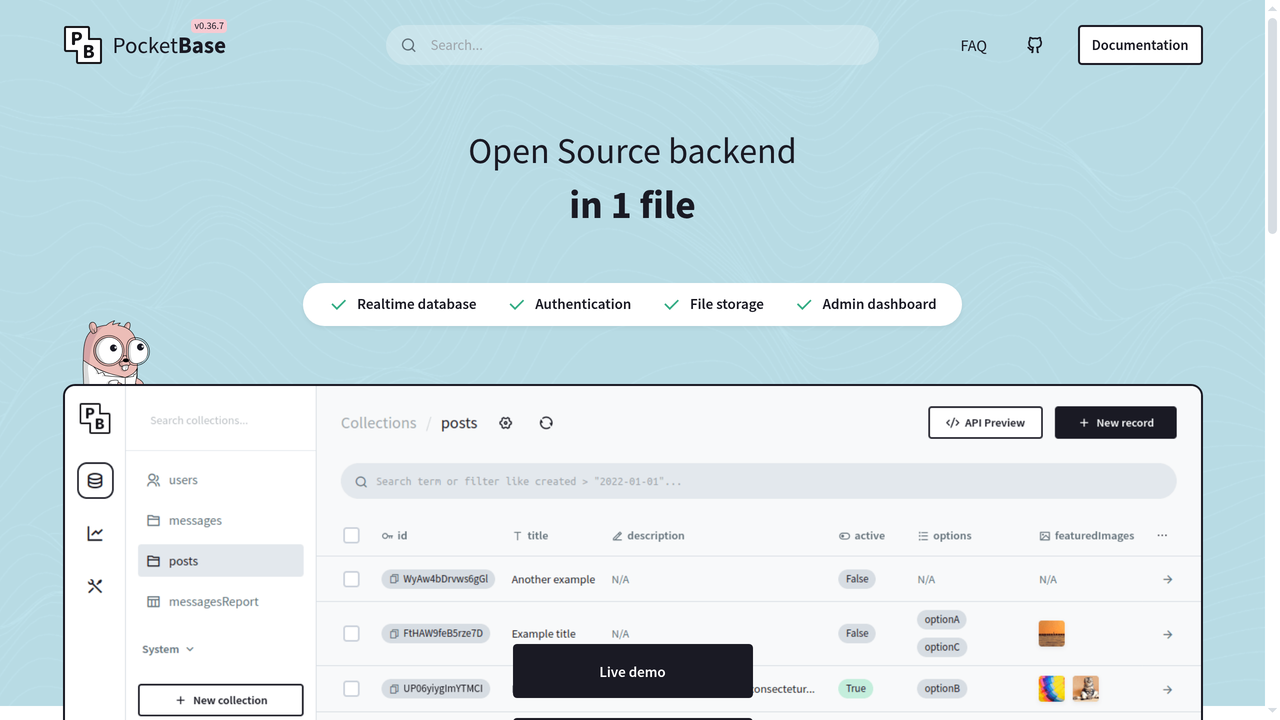
PocketBase is a delightfully minimal backend platform that ships as a single executable file. No Docker, no dependencies, no configuration files. Download a 15MB binary, run it, and you have a complete backend with a database, REST API, real-time subscriptions, authentication, and file storage. It's written in Go and uses SQLite under the hood.
The appeal is radical simplicity. PocketBase is the opposite of Firebase's sprawling service mesh. Deploy it on a $5/month VPS, a Raspberry Pi, or even bundle it inside your desktop application. The admin UI is clean and functional - you can define collections (tables), set up relations, manage users, and test your API without touching a terminal.
Don't let the simplicity fool you into thinking it's a toy. SQLite handles millions of rows efficiently, and PocketBase's Go runtime easily handles hundreds of concurrent connections. For the vast majority of applications (anything that's not serving millions of daily active users), PocketBase provides more than enough backend power.
Pricing: Completely free and open-source. Your only cost is hosting the binary - as cheap as $5/month on a VPS.
Best for: Solo developers, prototypes, side projects, internal tools, and any application where simplicity matters more than horizontal scaling. If your app will serve fewer than 100,000 users, PocketBase handles it easily with zero operational overhead.
Honest downside: SQLite is single-writer, so write-heavy applications with high concurrency will hit limits. No built-in edge functions or serverless compute. Scaling horizontally requires moving to a different solution entirely - PocketBase is a single-server platform by design.
5. Nhost - GraphQL-First Firebase Alternative
Nhost combines PostgreSQL with Hasura's instant GraphQL engine to create a Firebase alternative that speaks GraphQL natively. If your frontend is built with React, Vue, or any modern framework that pairs well with GraphQL, Nhost eliminates the API layer entirely - your database schema becomes your API automatically.
The architecture is elegant: PostgreSQL for storage, Hasura for instant GraphQL APIs with real-time subscriptions, built-in auth (compatible with JWT), serverless functions, and S3-compatible file storage. You define your tables, set permissions at the row level, and Hasura generates type-safe queries, mutations, and subscriptions instantly.
Nhost's real-time capabilities are particularly strong. Because Hasura's subscription system is built on PostgreSQL's notification channels, you get reliable real-time updates without the consistency issues that plague Firebase's eventual consistency model. When a row changes, every subscriber knows immediately.
Pricing: Free tier with 1GB database and 1GB storage. Pro starts at $25/month with 10GB database. Self-hosting is available via their open-source stack.
Best for: Teams already using or wanting to use GraphQL. Particularly strong for complex data models with many relationships where REST APIs become unwieldy. The combination of PostgreSQL + Hasura is hard to beat for developer productivity.
Honest downside: GraphQL adds complexity that not every project needs. If you're building a simple CRUD app, the Hasura layer is overkill. The learning curve is steeper than Supabase or Firebase if your team isn't familiar with GraphQL concepts.
6. AWS Amplify - Enterprise-Grade Alternative
AWS Amplify is Amazon's answer to Firebase. It provides authentication (Cognito), APIs (AppSync for GraphQL, API Gateway for REST), storage (S3), hosting, and serverless functions (Lambda) - all wired together through a CLI-driven workflow and a visual studio called Amplify Studio.
The strongest argument for Amplify is the AWS ecosystem behind it. When your app grows, you have seamless access to every AWS service - SQS for queues, SES for email, Step Functions for workflows, DynamoDB for NoSQL, RDS for SQL, and hundreds more. No other backend platform offers this breadth.
Amplify Gen 2, launched in late 2024, significantly improved the developer experience. You define your backend in TypeScript (not the old CloudFormation YAML), get type-safe data models, and the deployment pipeline is much smoother than the original Amplify. The sandbox environment lets you iterate on backend changes without affecting production.
Pricing: Free tier is generous (12 months of Cognito, Lambda, and AppSync free tiers). After that, pay-as-you-go per AWS service. Pricing is predictable once you understand your usage patterns, but the multi-service billing can be confusing initially.
Best for: Teams building on AWS already, enterprise applications that need to integrate with corporate AWS accounts, and projects that might need specialized AWS services down the road. If compliance, SOC 2, and enterprise security features matter, Amplify delivers them out of the box.
Honest downside: The AWS learning curve is real. Even with Amplify simplifying things, you're still dealing with IAM roles, CloudFormation stacks, and AWS's famously complex console. For small projects or solo developers, it's like using a semi-truck to go grocery shopping.
7. Back4App - Parse Server Made Easy
Back4App is a managed hosting platform for Parse Server, the open-source backend framework that Facebook originally created. If you remember Parse (before Facebook shut it down in 2017), Back4App brings that same developer experience with modern infrastructure and a visual dashboard.
Parse's data model sits between Firebase's schemaless approach and SQL's strict schemas. You define classes (like collections), and the schema evolves as you add data. The query language is more powerful than Firestore's - you get compound queries, geospatial queries, full-text search, and aggregation pipelines. LiveQueries provide real-time functionality similar to Firebase's listeners.
Back4App has also invested heavily in AI features recently. Their AI-assisted backend builder can generate Parse Cloud Code functions from natural language descriptions, and their dashboard includes AI-powered query optimization suggestions. It's not as comprehensive as building an entire app with Capacity.so, but it helps non-experts write backend logic faster.
Pricing: Free tier with 25,000 requests/month and 250MB storage. Paid plans start at $25/month with 1M requests and 5GB storage. Pricing is request-based, which can be more predictable than Firebase's operation-based billing.
Best for: Teams migrating from the original Parse, mobile app developers who appreciate Parse's mature SDKs, and projects that want more querying power than Firestore without moving to full SQL.
Honest downside: Parse's community has shrunk considerably since its Facebook days. Finding answers to obscure issues takes more digging. The platform feels less modern than Supabase or Appwrite - it works well, but the developer experience reflects its 2013 origins in places.
8. Convex - Reactive Backend for Modern Apps
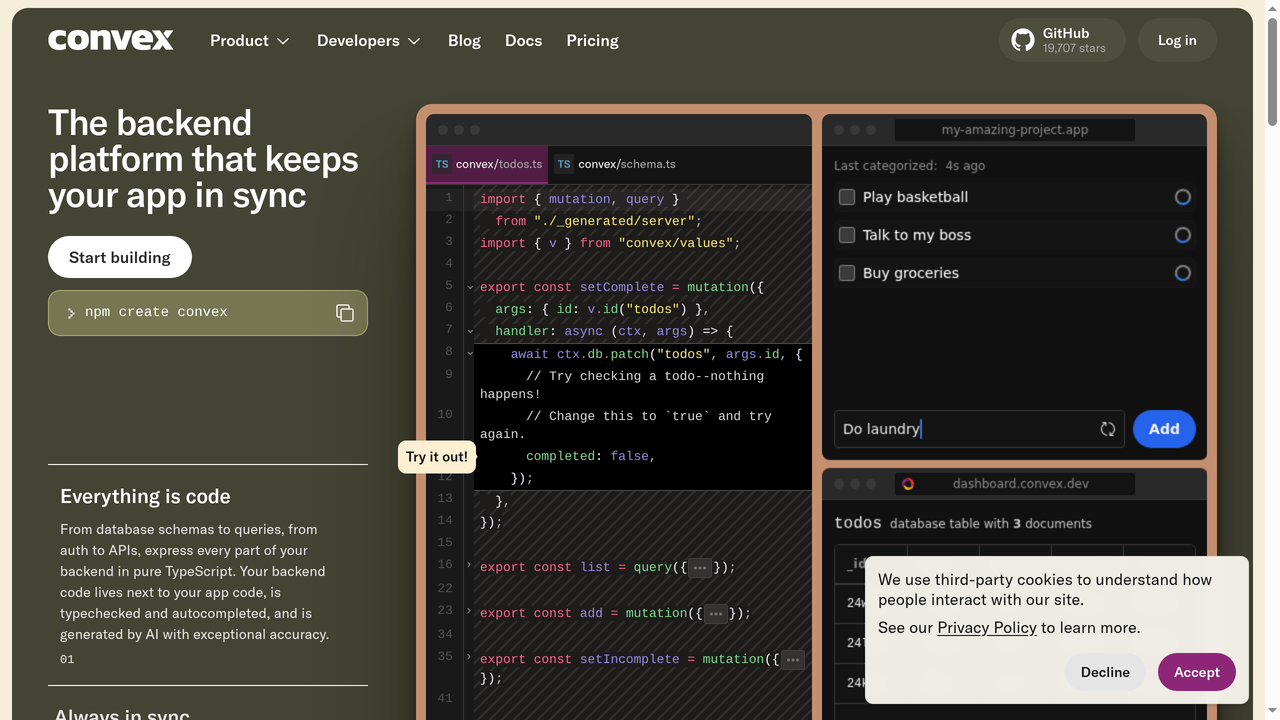
Convex is the newest platform on this list and arguably the most innovative. It's a reactive backend where your server functions automatically re-run when the data they depend on changes. Think of it as combining a database, a real-time sync engine, and a serverless function platform into one cohesive system.
The reactive model is genuinely different from anything else here. In Firebase or Supabase, you set up listeners on specific queries. In Convex, you write server functions that query data, and the platform automatically tracks dependencies and pushes updates to every client when relevant data changes. There's no manual subscription management - reactivity is built into the programming model itself.
Convex also handles caching, consistency, and conflict resolution automatically. It uses ACID transactions (unlike Firebase's eventually consistent model), so you never have to worry about stale data or race conditions. The TypeScript-first approach means your backend and frontend share types, catching errors at compile time.
Pricing: Free tier includes 1M function calls and 1GB storage. Pro starts at $25/month. The pricing model is based on compute and storage, making it predictable.
Best for: Real-time collaborative applications (think Notion, Figma, or Google Docs-style apps), projects where data consistency is critical, and TypeScript-heavy teams who want end-to-end type safety. Convex's reactive model eliminates entire categories of bugs related to stale data.
Honest downside: Convex is a managed-only platform with no self-hosting option (similar to Firebase itself). The reactive programming model requires rethinking how you write backend logic, and the ecosystem is still young. If you need specific integrations, you might have to build them yourself.
Firebase Alternatives Comparison Table
| Platform | Database | Self-Host | Real-Time | Free Tier | Starting Price |
|---|---|---|---|---|---|
| Supabase | PostgreSQL | Yes | Yes | Generous | $25/mo |
| Capacity.so | Auto-managed | No | Yes | Yes | Free to start |
| Appwrite | MariaDB (document layer) | Yes | Yes | Generous | $15/mo/member |
| PocketBase | SQLite | Yes (only) | Yes | Free (OSS) | $0 + hosting |
| Nhost | PostgreSQL + Hasura | Yes | Yes | Good | $25/mo |
| AWS Amplify | DynamoDB / RDS | No | Yes | 12-month free | Pay-as-you-go |
| Back4App | MongoDB (Parse) | Partial | Yes | Limited | $25/mo |
| Convex | Custom reactive | No | Built-in | Good | $25/mo |
How to Choose the Right Firebase Alternative
With eight solid options, the right choice depends on your specific situation. Here's a decision framework based on the most common scenarios:
You want the closest Firebase experience with better tech
Go with Supabase. It mirrors Firebase's feature set almost exactly (auth, database, storage, functions, real-time) but swaps NoSQL for PostgreSQL. The migration path is straightforward, and the developer experience is polished.
You want to skip the backend entirely
Use Capacity.so. If you're building an app and the backend is just a means to an end, Capacity generates your entire application from a description. No backend configuration, no API wiring, no infrastructure management. Just describe what you want and ship it.
You need self-hosting and data sovereignty
Choose Appwrite for a full-featured self-hosted BaaS, or PocketBase if you want maximum simplicity. Appwrite gives you more features; PocketBase gives you less complexity.
You're building a real-time collaborative app
Pick Convex. Its reactive programming model was built specifically for this use case. You'll write less code and have fewer bugs related to data synchronization.
You need GraphQL
Go with Nhost. The Hasura + PostgreSQL combination generates a production-ready GraphQL API instantly, with real-time subscriptions and row-level security.
You're building in an enterprise/AWS environment
Choose AWS Amplify. The integration with the broader AWS ecosystem is unmatched, and you get enterprise security features (SSO, compliance certifications) built in.
You're migrating from Parse or want mature mobile SDKs
Consider Back4App. Parse's mobile SDKs are battle-tested across millions of apps, and the migration from the original Parse is straightforward.
Migration Tips: Moving Away from Firebase
If you're currently on Firebase and planning to switch, here are practical tips to make the transition smoother:
Export your data first. Use Firebase's export tools to dump Firestore collections to JSON or CSV. Most alternatives can import this data, though you'll likely need to restructure it (especially if you're moving to a relational database like PostgreSQL).
Migrate authentication separately. User accounts are the trickiest part. Firebase Auth stores password hashes in a format that most platforms can import. Supabase and Appwrite both have Firebase Auth migration guides. Plan to support both auth systems during the transition period.
Rewrite your queries incrementally. Don't try to migrate everything at once. Start with read-heavy, non-critical features. Move your most complex data models last, once you're comfortable with the new platform's query patterns.
Keep Firebase for what it does best. You don't have to migrate everything. Firebase Cloud Messaging (push notifications) and Firebase Analytics are excellent standalone services. Many developers keep these while moving their database and auth to another platform.
Frequently Asked Questions
Is Supabase really a drop-in Firebase replacement?
Not exactly "drop-in" since you're switching from NoSQL to SQL, which requires restructuring your data model. But functionally, Supabase covers every Firebase feature (auth, database, storage, functions, real-time). The developer experience is comparable, and the migration is well-documented. Most teams complete the switch in 1-2 weeks for medium-sized projects.
Can I use Firebase and another backend together?
Absolutely. Many teams use Firebase for specific features (push notifications via FCM, analytics, A/B testing) while running their primary database and auth on Supabase, Appwrite, or another platform. Firebase's SDK is modular, so you can import only the services you need.
What's the cheapest Firebase alternative?
PocketBase is completely free (open-source). Your only cost is a server to run it - as low as $5/month on a VPS. For managed platforms, Supabase and Appwrite have the most generous free tiers. If you want to eliminate backend costs entirely, Capacity.so's free tier lets you build complete applications without managing any infrastructure.
Which Firebase alternative is best for mobile apps?
Supabase and Appwrite both have excellent mobile SDKs (Flutter, React Native, iOS, Android). Back4App's Parse SDKs are the most mature for native mobile development. For Flutter specifically, Supabase and Appwrite have first-class support with dedicated Flutter packages.
Do any Firebase alternatives support offline-first?
Firebase's offline persistence is genuinely hard to match. Convex and Supabase both have offline capabilities, but Firebase's implementation is the most seamless. If offline-first is a core requirement, consider keeping Firebase for the client-side SDK while using another platform's backend through Firebase Extensions or custom Cloud Functions.
Which alternative handles the most scale?
AWS Amplify (backed by the entire AWS infrastructure) has the highest ceiling for scale. Supabase on their enterprise plan handles billions of rows and millions of concurrent connections. For most applications, any platform on this list handles more traffic than you'll realistically need.
Final Verdict
Firebase earned its dominance by making backend development accessible. But the landscape has evolved, and the alternatives in 2026 aren't just catching up - they're pulling ahead in key areas.
Supabase is the default recommendation for most teams. PostgreSQL is simply a better foundation for business data than Firestore, and Supabase matches Firebase on developer experience while giving you more power and predictable pricing.
If backend management isn't your thing (and for most app builders, it shouldn't be), Capacity.so eliminates the question entirely by generating your complete application. The best backend is one you don't have to think about.
For self-hosting enthusiasts, Appwrite and PocketBase offer freedom from vendor lock-in at different complexity levels. For real-time collaborative apps, Convex is building something genuinely new. And for enterprises already in the AWS ecosystem, Amplify remains the natural choice.
The common thread: you have real options now. Firebase is no longer the only platform that makes backend development fast and accessible. Pick the one that matches your team's needs, and build something great.